Forum Discussion

PandoraShadow
Sep 17, 2026Iron Contributor
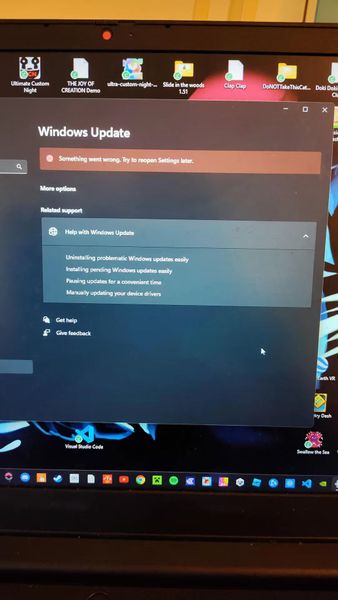
Windows Update stuck with the same error for months – how do I fix it?
Every time I try to run Windows Update, I get the same message and it just won't go through. This has been going on for almost half a year now—I've tried restarting, running the troubleshooter, even ...

maskwill
Sep 17, 2026Brass Contributor
If you’ve already restarted, run the troubleshooter, and cleared the cache, try these next:
Run System File Checker — open Command Prompt as Administrator and run:
sfc /scannow
Then:
DISM /Online /Cleanup-Image /RestoreHealth
Restart Windows Update services:
net stop wuauserv
net stop bits
net start wuauserv
net start bits
Check the exact error code (for example, 0x80070002 or 0x800f081f). The code is important because different errors have different fixes.
If it has been failing for six months, consider an in-place Windows repair/upgrade using Microsoft’s Windows installation media. This can repair Windows while keeping your files and apps.