Forum Discussion

Sheryl_Garvey
Jul 08, 2026Tin Contributor
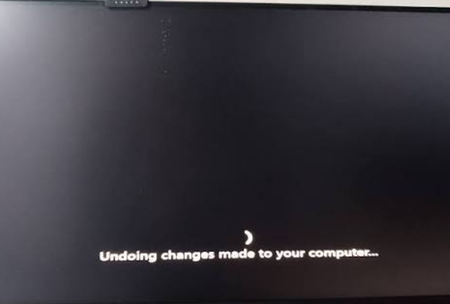
Windows Update loops on a specific driver on Win 11 PC
I'm running Windows 11 and Windows Update keeps trying to install the same specific driver over and over again, but it fails or gets stuck each time, causing the update process to loop endlessly ...

Jamony
Jul 11, 2026MCT
Hi Sheryl_Garvey, the cleanest way to stop a bad driver loop is to install the correct driver manually first, then block the bad one from Windows Update. Download the driver from the PC or device manufacturer, install it, and reboot. After that, if Windows Update still keeps offering the same broken driver, use the Microsoft show/hide updates troubleshooter or block driver updates by policy if you are on Pro or Enterprise. You can also use Device Manager to find the hardware ID and block that specific driver. I would avoid deleting random update folders unless you already have the correct replacement driver installed.