Forum Discussion

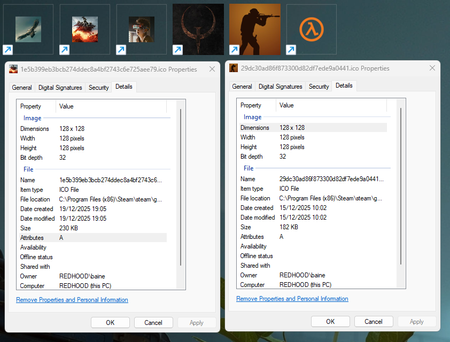
Windows is still not able to display icons, why is that, and how can I fix it ?

If you've made any recent changes to your system, try restoring your system to a previous point when the icons were displaying correctly. This can be done by:
a. Pressing the Windows key + S to open the Settings app.
b. Clicking on the "System" icon.
c. Clicking on the "System protection" option on the left side.
d. Clicking on the "System Restore" button.
e. Following the prompts to restore your system to a previous point.

"Windows 11 has never been able to display my icons properly."
Besides, that is not a fix in any way shape or form, would you expect a user to just restore its whole system every time an icon break ? That's not a solution, that's ignoring the issue.
"My car wont start, do you know why ?" -> "Just buy a new one bro."
I am looking for actual information about the underlying issue causing the fact that Windows is still not able to handle icons properly or to build a cache without vomiting on itself after 40 years of development.
I do have a way to temporarily manage the issue. The goal here is to fix the issue.