Forum Discussion

Luxix
Aug 12, 2024Brass Contributor
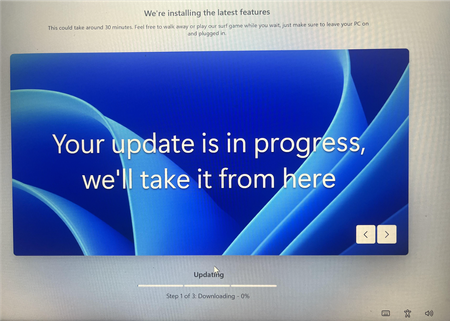
Why Windows 11 installs updates automatically?

Nguyenais
Aug 12, 2024Bronze Contributor
Type gpedit.msc in Run, then go to Computer Configuration > Administrative Templates > Windows Components > Windows Update > Manage end user experience > Configure Automatic Updates.
When you're done, open PowerShell and type "gpupdate /force" to stop the automatical update.
When you're done, open PowerShell and type "gpupdate /force" to stop the automatical update.