Forum Discussion

Qalafox
Nov 26, 2024Copper Contributor
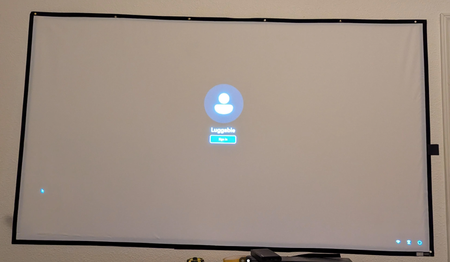
Why Windows 11 can't get into desktop directly from wake up?
It is a single user computer at my home. I have to click the login button every time from wake up. The computer is quite safe and no need to use password. How can I get into the desktop without click...
- Nov 26, 2024
Right-click on the Windows folder, select New > Key, and name it Personalization if it’s not already there. Inside the Personalization key, right-click in the right pane, select New > DWORD (32-bit) Value, and name it NoLockScreen.

ColoradoRiver
Nov 26, 2024Platinum Contributor
Right-click on the Windows folder, select New > Key, and name it Personalization if it’s not already there. Inside the Personalization key, right-click in the right pane, select New > DWORD (32-bit) Value, and name it NoLockScreen.