Forum Discussion

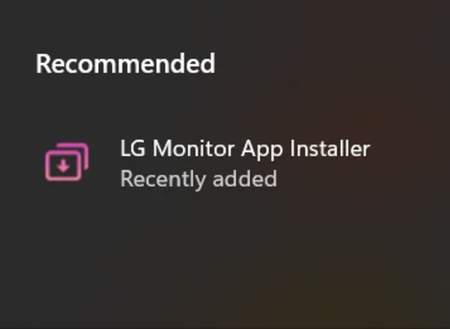
Why the LG Monitor App installed without my notice?
- Nov 19, 2024
This is the app from LG and safe to use.
Certain drivers come with separate applications for managing device settings. If the application is a Win32 version, it is typically installed alongside the driver. However, if it is a packaged app, such as those for LG monitors, Intel Graphics, or some HP printers, it is more likely to be downloaded from the App Store.


This amazing app even bypasses Windows system settings.
gpedit.msc -> Computer Configuration -> Administrative Templates -> System -> Device Installation -> Prevent automatic download of applications associated with metadata
gpedit.msc -> Computer Configuration -> Administrative Templates -> Windows Components -> Store -> Turn off the Store application
In Event Viewer → Applications and Services Logs → Microsoft → Windows → DeviceSetupManager → Admin, if you search for "LG", it shows that when the LG monitor device is detected, Windows searches the Store for an app suitable for this device and finds a match called "LG Monitor App Installer."
However, it does not indicate whether this app was actually executed, so I’m not sure about that.
What I can confirm is that the file
C:\Program Files\WindowsApps\LGElectronics.LGMonitorApp_x.x.x_x86__xxx\LGMonitorAppManager.exe
has been created.
Also, although it does not contain any data yet, a directory for storing user data has been created at
C:\Users\<user name>\AppData\Local\Packages\LGElectronics.LGMonitorApp_xxx.
Based on the name, it seems that the program Windows matched to the device is the Installer.
However, the program located under C:\Program Files\WindowsApps is LGMonitorAppManager.exe, not the Installer itself. This suggests that the Installer has already been executed.
Therefore, I suspect that a third-party executable from a company other than Microsoft may have been executed without my knowledge or consent simply due to the device being connected.