Forum Discussion

Nakioncom
Aug 05, 2026Iron Contributor
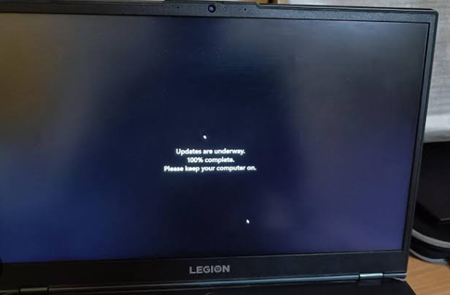
Why is my computer updating when I told it to shut down?
It seems to complete the updates during shutdown, which delays turning off and causes inconvenience. I want to understand why this happens and how I can prevent my computer from installing update...

VictorNet
Aug 05, 2026Tin Contributor
The install has a stage that cannot run while Windows is running, so it gets queued for the next shutdown or restart. Choosing Shut down is what releases it, which is why it feels like Windows ignored you.
The fix is upstream: pause updates under Settings > Windows Update, for up to 35 days. With nothing pending, shutdown is immediate. Active hours looks like the setting for this but is not, since it only covers the restarts Windows starts by itself.
It is a delay and not an off switch though. The install still has to happen eventually, so it is worth spending it on a restart you pick rather than one that catches you.