Forum Discussion

The Windows 11 search bar isn't working; the cursor keeps refreshing every second.
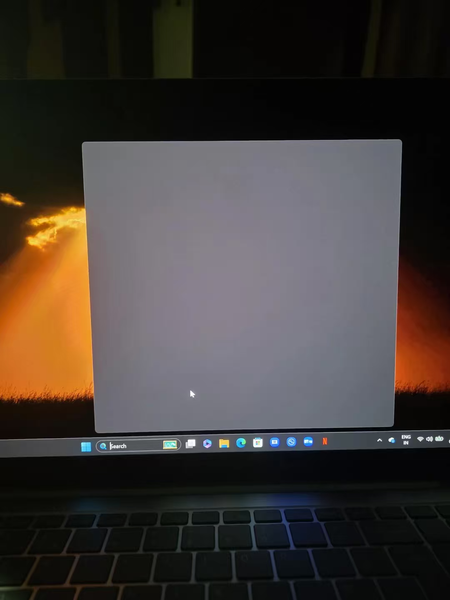

The screenshot shows a blank Search panel on your Galaxy Book4 Edge. Because updates, restarting Explorer, and ending Search have already failed, the next useful distinction is whether the problem affects only your Windows profile or the whole installation.
First, press Windows+R, open services.msc, and stop Windows Font Cache Service. Test Search, then start that service again; Microsoft lists this as a supported Search troubleshooting step. Next, test Search in another Windows user account, creating a temporary standard account if necessary.
If it works there, keep your original profile and files intact; the result points toward a profile-specific issue rather than proving an ARM hardware fault. If both accounts fail, collect the Windows build and any matching Application errors. Microsoft also provides a dedicated Windows Search reset procedure. Follow that version-specific procedure, or have support guide it, before attempting broad package re-registration or registry deletion.