Forum Discussion

Harrisarb
Aug 01, 2024Tin Contributor
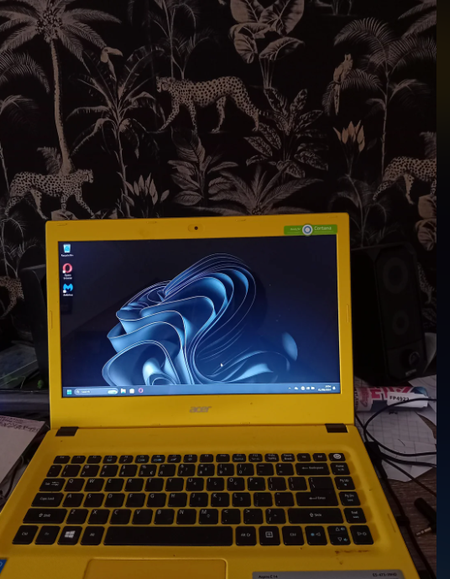
Successfully installed Win11 on a very old laptop but it is a pain
Intel i3-5005U, 4GB RAM, 500GB HDD, slow as hell, lol

Tomasstes
Aug 17, 2024Bronze Contributor
1.Optimize System Performance:
Disable Startup Programs: Navigate to Task Manager (Ctrl + Shift + Esc) > Startup tab and disable any unnecessary programs that run on startup.
Uninstall Unused Software: Remove software that you do not use, which can free up resources.
Adjust Visual Effects: Search for "Performance" in the Start menu, select "Adjust the appearance and performance of Windows," and choose "Adjust for best performance" to disable animations and visual effects.
2. Manage Storage:
Storage Sense: Use Storage Sense to automatically free up space by removing temporary files. Go to Settings > System > Storage.
External Storage: Consider using external drives for storing large files instead of keeping them on the laptop’s internal drive.
Disable Startup Programs: Navigate to Task Manager (Ctrl + Shift + Esc) > Startup tab and disable any unnecessary programs that run on startup.
Uninstall Unused Software: Remove software that you do not use, which can free up resources.
Adjust Visual Effects: Search for "Performance" in the Start menu, select "Adjust the appearance and performance of Windows," and choose "Adjust for best performance" to disable animations and visual effects.
2. Manage Storage:
Storage Sense: Use Storage Sense to automatically free up space by removing temporary files. Go to Settings > System > Storage.
External Storage: Consider using external drives for storing large files instead of keeping them on the laptop’s internal drive.