Forum Discussion

My Laptop works with one charger but not another identical charger
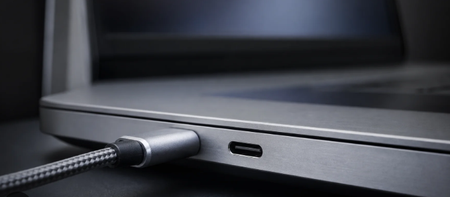

Because one charger works reliably with the same laptop, the laptop’s battery and charging circuit are probably fine. The second charger is more likely defective, incompatible internally, or failing the charger-identification process.
Matching voltage and amperage on the label is not always enough. USB-C chargers must provide the correct Power Delivery profile and complete electronic negotiation with the laptop. Barrel-type chargers may use an identification pin or chip; if that contact is damaged, the laptop may reject the charger even though the plug fits.
Try these checks:
- Shut down the laptop completely and connect each charger separately. If only the known-good charger activates the charging light while Windows is not running, this is not a Windows 11 problem.
- Compare the full model and part numbers, total wattage, output profiles and connector polarity, not only the maximum voltage and amperage.
- Inspect the suspect charger, connector and identification pin for looseness, bent contacts, heat damage or discoloration. Stop using it if it becomes unusually hot, smells burnt or makes noise.
- Enter BIOS/UEFI with each charger connected. Some laptops display the detected adapter type and wattage. If the second charger appears as Unknown, None or the wrong wattage, its identification or power negotiation is failing.
- For USB-C charging, test with a cable rated for the laptop’s required wattage and use the USB-C port that supports charging. A cable that works for data or phone charging may not support full laptop power.
- If possible, test the suspect charger on another device confirmed to support the same charger specification.
If the second charger fails these tests while the first continues working, replace it or make a warranty claim. Do not open the power adapter or attempt an internal repair, because it contains hazardous mains-voltage components.