Forum Discussion

macOS monterey download for creating a bootable usb installer?
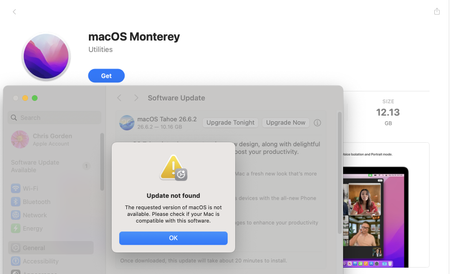

More importantly, it was specifically built to fix the cases where Apple's own createinstallmedia tool crashes—especially when you're on an Apple Silicon Mac trying to create a bootable USB for an older Intel Mac, which is precisely the Monterey scenario .
macUSB officially supports macOS Monterey (version 12) for USB creation . It accepts local source files in .dmg, .cdr, .iso, and .app formats . This means if you already have a macOS Monterey DMG download, you can point macUSB directly at it and it will handle the checksum verification, formatting, and writing without touching the Terminal.
Where to Get the Monterey Installer:
- macUSB has a built-in downloader that fetches macOS installers directly from Apple's servers, so you don't have to hunt down a macOS Monterey DMG download from a sketchy third-party site . It can browse and download available versions including Monterey, Ventura, Big Sur, and even older OS X releases.
- If you prefer to source your own macOS Monterey DMG download from elsewhere, that works too—macUSB will accept it as a local source file as long as it's a recognized format.
macUSB requires macOS 14.6 Sonoma or newer to run . So if you're trying to make the Monterey USB from an older Mac that's itself running Monterey or Big Sur, macUSB won't launch on that machine. You'd need access to a newer Mac to run the tool.