Forum Discussion

Shakeare
Nov 20, 2024Iron Contributor
How to make the current running apps stand out?
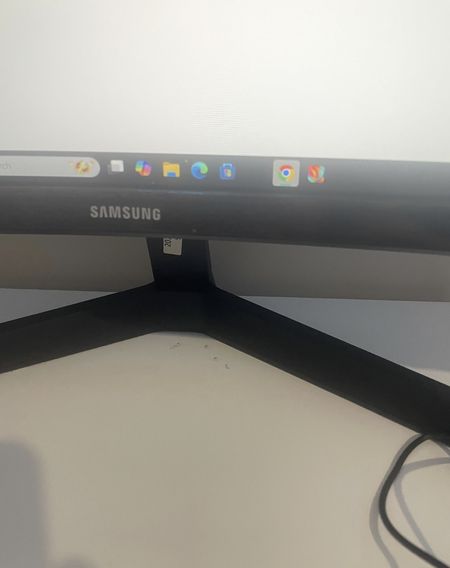
Hey everyone! I came across an awesome wallpaper that I really love, but I've noticed that the lower section is quite dark. Since I also use a transparent taskbar, it’s a bit challenging to see which...
- Nov 20, 2024
That’s a common issue with dark wallpapers and transparent taskbars. Unfortunately, Windows doesn’t allow changing the indicator color directly. A good workaround is to edit the wallpaper and lighten the bottom section slightly. Alternatively, tools like TaskbarX can help adjust the taskbar’s appearance to make the indicators more visible.


Holaway
Nov 20, 2024Steel Contributor
I’ve had the same issue before! Unfortunately, Windows 11 doesn’t let you change the indicator color directly. What I did was tweak my wallpaper by lightening the area near the taskbar. You could also try tools like TranslucentTB or TaskbarX to customize the taskbar—it worked for me!