Forum Discussion

thickthstreat
Aug 02, 2025Iron Contributor
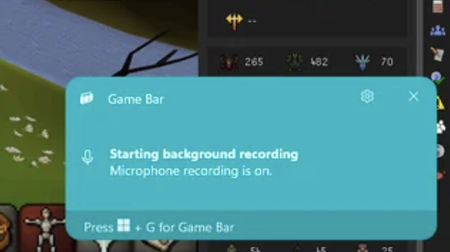
How can I stop game bar pop-up notification?
This pop-up appears when I am playing games. Don't know how to turn it off. Thank you very much in advance

happysquid
May 13, 2026Copper Contributor
the real answer is to open Win + G, > Settings > More settings > Widgets > underneath the Capture section, there should be "Show microphone recording notifications", turn that off. i had no clue why they didn't put this in the notifications section😅
 wwinterMay 18, 2026Copper Contributor
Thank you so much. Been looking around for how to turn off these annoying pop ups for forever.