Forum Discussion

Deleted
May 13, 2026Not applicable
Enable 32 Bit Applications on 64 Bit Windows Operating Systems.
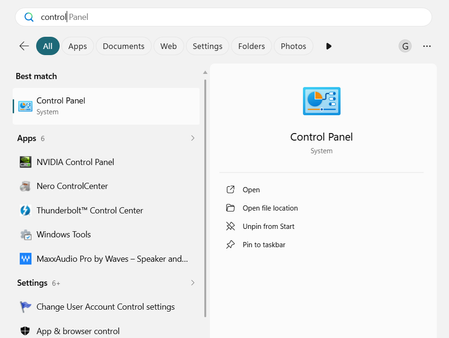
Enabling 32-Bit Apps in IIS: Open Control Panel in the search bar and open it. Click on "Programs" > "Turn Windows features on or off". Select "Internet Information Services" and cl...

Daniolle
May 18, 2026Iron Contributor
To enable 32-bit applications on your 64-bit Windows operating system, you'll need to configure Internet Information Services (IIS) appropriately. By default, IIS runs in 64-bit mode on a 64-bit OS, but you can change this for specific application pools using the built-in WOW64 (Windows-on-Windows 64-bit) compatibility layer.