Forum Discussion

DakotaWolf
Aug 19, 2025Iron Contributor
Don't want bitlocker and how to turn it off?
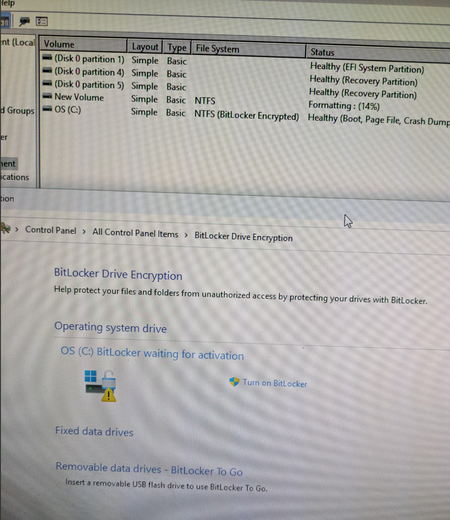
BitLocker, is it on or off? I do not want it on this machine. It is in a safe place used to monitor equipment with many users. No Microsoft account. It says it has it, it says not activated.

thefatkid007
Aug 21, 2025Iron Contributor
- In the BitLocker Drive Encryption window:
- Find your drive (usually C:).
- Click Turn Off BitLocker.
- Confirm your choice and follow the prompts.
- The decryption process will start, which might take some time depending on the size of your drive.