Forum Discussion

DLL files stopped working and I'm unable to delete folders (invalid file handle)
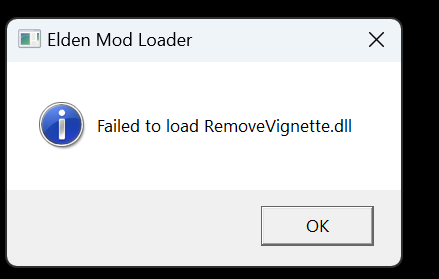

I thought I was the only one. I'm having a similar problem, but this time, it's with minecraft. At first, it seemed it was only with the .mca files, but it also is for other files as well. The affected files weren't just in the game save folder either; it was also for ones on my desktop. Whenever I try to delete the folders the files are located in, I get an error that says: "invalid file handle." Sometimes, when I tried again once or more, it would eventually delete it; other times, it wouldn't. Interestingly enough, when I opened the folder, I was able to delete the files manually with no problem, and then I was able to delete the folder. For some reason, though, when I went to empty the recycling bin, some of the .mca files couldn't be found or something. Weird. Anyway, this also affected the worlds themselves, as the game would tell me that some chunks weren't able to load or something, and I could see that there were pieces of the world that were messed up. I also wasn't able to delete the worlds from inside the game, as it would just give me an error, saying it wasn't able to.
Initially, I thought this was all the result of a power flicker that corrupted the files or the computer, as there was a line of storms that came through while my pc was still on, and it looks like the update downloaded around the same time. But it's looking more like the computer restarted, automatically downloaded the update, and the update may have been the cause for it. Maybe. I don't know for sure.
I used chkdsk, and it didn't find anything. I used sfc /scannow, and it said that it found some corrupted files and repaired them. After restarting my computer, though, I was still running into the same issues, and when I used both chkdsk and sfc /scannow, they didn't find anything.