Forum Discussion

KairosRivers
Jan 31, 2026Iron Contributor
Any good mov to mp4 converter for Windows 11 PC?
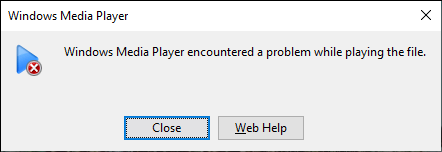
I have a few screen recording on mac and they are saved to mov by default on my mac. I sold my macbook pro and built a new windows 11 pc. However, the stock windows media player failed to play the mo...

Ulisesin
Jan 31, 2026Iron Contributor
Avidemux is a popular free and open-source video editing and conversion tool that can function as a MOV to MP4 converter on Windows PC. It’s user-friendly and supports a variety of formats, making it a good choice for simple video format conversions.
Using Avidemux as a mov to MP4 converter:
- Support for MOV to MP4: Avidemux can open MOV files and save them as MP4, utilizing codecs like H.264 for compression.
- Ease of Use: The interface is straightforward, allowing you to quickly set up your conversion.
- Batch Processing: While Avidemux supports processing multiple files, it’s more manual compared to dedicated batch converters, but still manageable for small batches.
- Limitations: It’s primarily a video editor, so for extensive batch conversions, dedicated tools might be more efficient.
How to use Avidemux for mov to MP4 conversion:
1. Download and install Avidemux from its official website.
2. Open Avidemux.
3. Drag your MOV file into the window or open it via the File menu.
4. Under "Video Output," select "H.264 (x264)".
5. Under "Audio Output," choose "AAC (lavc)".
6. Set "Output Format" to MP4 Muxer.
7. Save the file with a new name ending in .mp4.
8. Click "Save" and wait for the conversion to complete.