Forum Discussion

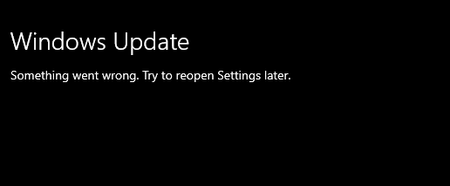
Windows Update something Went Wrong. Try to reopen Settings later.

You can try resetting your PC (without losing your files), from Windows settings

This message is becoming more prevalent and can be caused by multiple conditions on your PC. Most recommendations end with resetting windows which probably won't work. Reinstalling windows will fix the problem but it is not necessary.
My theory:
The root cause is your root certificates are wrong or expired. There is a catch 22 where windows update is supposed to keep the certs up to date but it can't because your pc cannot authenticate so windows update doesn't update your pc. Microsoft should fix this!
Windows reset won't fix the certs because it keeps all of your settings unless you perform a clean install. You can use certmgr.msc to manage the root certs. I solved the problem by downloading windows 10 then installing it on a spare drive. Export the root certs to a file from the new install, Export the root certs on the copy of windows with the problem for some insurance, Import the new certs from the new install of windows to the original copy that can't authenticate. You could also copy certs from a working PC.
It would be more precise to examine your certs to try to find the expired or incorrect cert that is used by Windows for the authentication. Since you don't know which cert to replace, it will be a crap shoot.
Netmon can be used to capture the network traffic between the WAAHOST process on your PC to Microsoft. It will confirm that traffic stops right after digital certificates are exchanged with the Microsoft servers. When authentication is successful, there is a lot more traffic,