Forum Discussion

Windows asks for administrator permission often
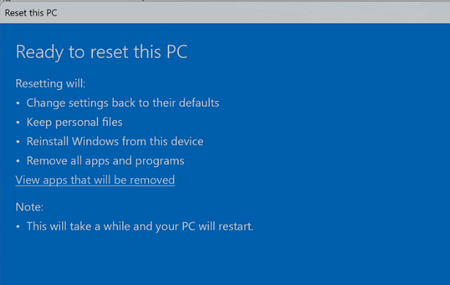

You are seeing User Account Control prompts because the actions you listed can change protected parts of Windows; being the only account does not remove that protection. The attached image is not a UAC prompt—it is the “Ready to reset this PC” screen—so cancel that reset unless you intentionally want Windows reinstalled and your apps removed. Keep UAC at its default level. To reduce unnecessary prompts, right-click each repeatedly affected program, open Properties > Compatibility, and make sure “Run this program as an administrator” is not selected. Store and edit your own files under your user folders rather than Windows or Program Files. Install trusted applications once from their official installer, then run them normally. If prompts appear for ordinary apps that should not require elevation, note the exact program name and publisher shown in the UAC dialog; that identifies the application or scheduled task requesting administrator rights.