Forum Discussion

JacksonRobinson
Sep 13, 2024Tin Contributor
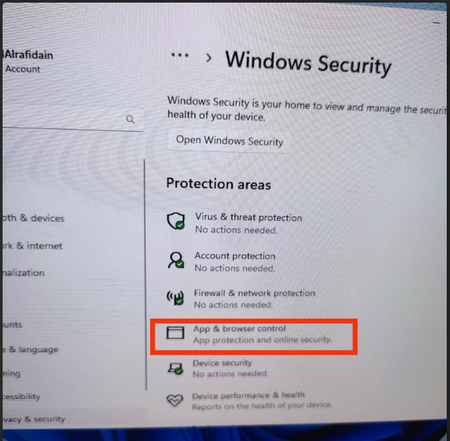
windows 11 23H2 weird bug (persistent phishing protection)
I noticed that when installing windows 11 from a patched ISO (integrated updates), upon the the first reboot after successful install, the controls for phishing protection is "stuck" at enab...

Eommy
Sep 24, 2024Silver Contributor
1.Check the network connection:
Make sure your network connection is working, try restarting your router or switching networks.
Update Windows:
2.Make sure your Windows 11 is updated to the latest version. You can check for updates via Settings > Update & Security > Windows Update.
Reset network settings:
3.In Settings > Network & Internet, find “Status”, then find and select “Network Reset “. This will reset all network adapters and restore default settings.
Restore the system:
4. If the problem persists, consider using the System Restore feature to restore the system to its previous state.
Make sure your network connection is working, try restarting your router or switching networks.
Update Windows:
2.Make sure your Windows 11 is updated to the latest version. You can check for updates via Settings > Update & Security > Windows Update.
Reset network settings:
3.In Settings > Network & Internet, find “Status”, then find and select “Network Reset “. This will reset all network adapters and restore default settings.
Restore the system:
4. If the problem persists, consider using the System Restore feature to restore the system to its previous state.