Forum Discussion

Rafaelhilario
May 07, 2021Brass Contributor
Windows 10
lately I was having problems with my pc about the overload and the higher uses of the disk, and I've found out that the problem was part of the latest update which was released on the windows upda...
 DeletedMay 07, 2021Already close to 21H1 I'm also waiting - everything will work!
Deleted
May 07, 2021Not applicable
Hello
The command you applied turned off the onedrive app launcher when booting the System, please enable it to sync with your Microsoft account at the same time in the settings and Edge must also be enabled to sync with your Microsoft account! Good luck.
The command you applied turned off the onedrive app launcher when booting the System, please enable it to sync with your Microsoft account at the same time in the settings and Edge must also be enabled to sync with your Microsoft account! Good luck.

Rafaelhilario
May 07, 2021Brass Contributor
Thank you so much and How can I do it?
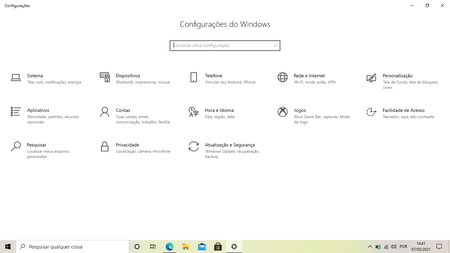
- DeletedMay 07, 2021Not applicableIn Windows settings - apps-settings - startup should be enabled OneDrive.
In edge profile settings when you open - enable sync for your account on all devices. if you did not understand something, please write!- RafaelhilarioMay 07, 2021Brass ContributorThank you so much, I tuned on it again, Now I will wait to see this resources again.
Thank you so mcuh.- DeletedMay 07, 2021Not applicablePlease restart your computer!
Good luck and thank you