Forum Discussion

Windows 10 updated, now wont load
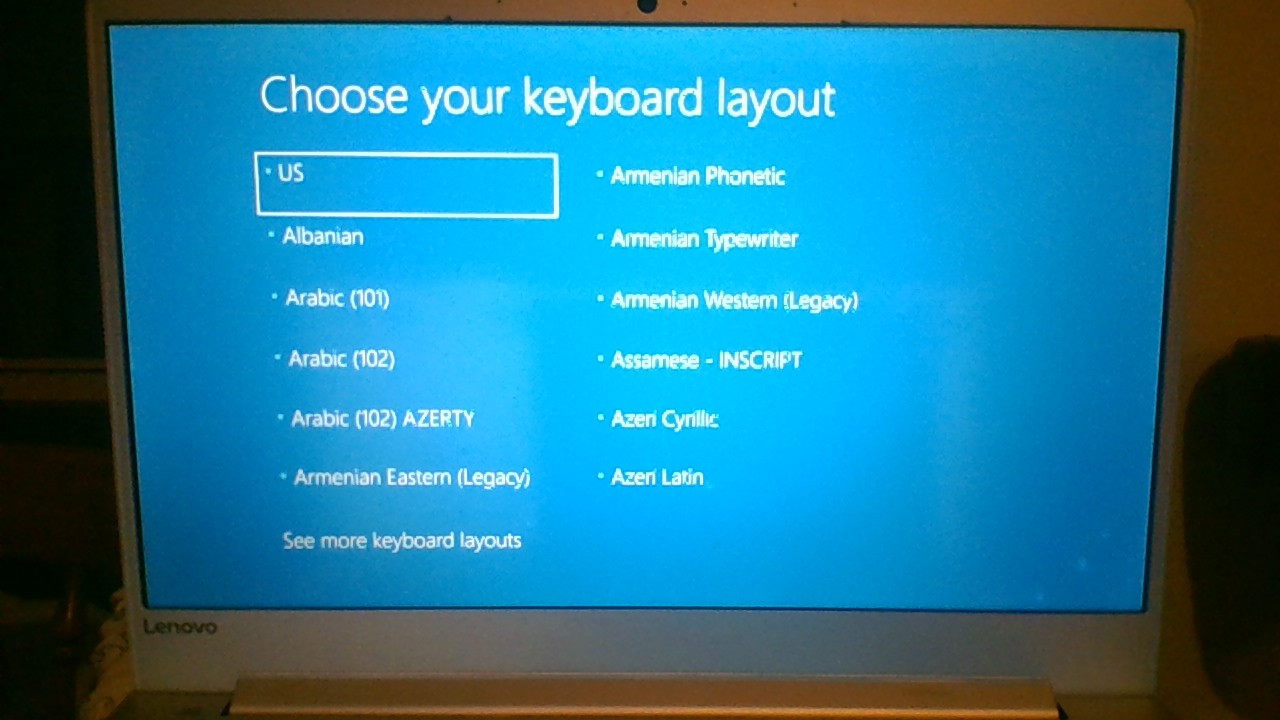
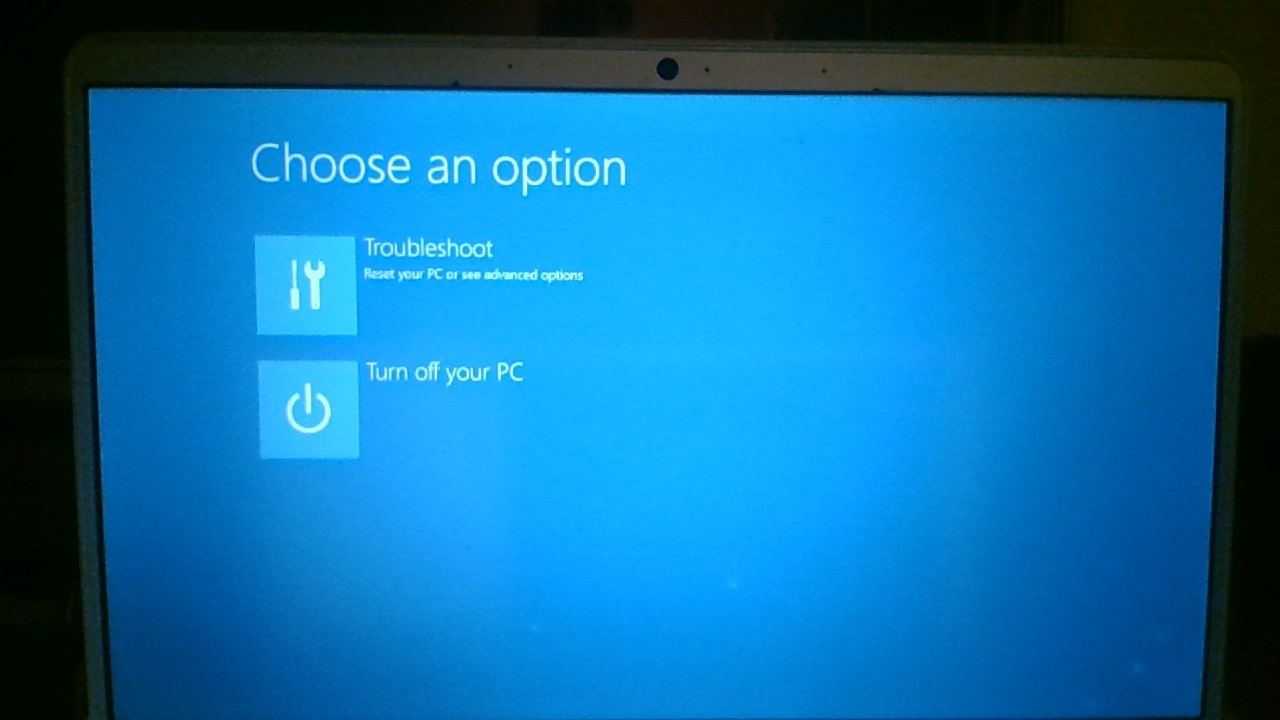


First select the Command Prompt from the menu that you showed. There you can browse to find if your Windows and personal files remain intact. Check with:
dir C:\Users\your-user-name\Documents
Use whatever your user name is above. If not sure just check with dir C:\Users\
Sometimes drive letters may be other than what you would expect, so if nothing appears on C: try D: etc. You can also try the Startup Repair option, to see if that works.
You can check for errors on C: with chkdsk C: /X
Also you can run sfc:
sfc /scannow /OFFBOOTDIR=C:\ /OFFWINDIR=C:\Windows
If C: all looks good and checks out, your data should be safe. If needed, you could copy files to a USB stick.
If Windows still will not boot, you can rebuild the System partition on the disk without affecting the C: volume. Sometimes it is easiest to delete and replace the System partition, but on a modern computer, it is only 100MB and separate from the Windows and Recovery partitions.
First you can try rebuilding the System files:
bootsect /nt60 ALL /force
bcdboot C:\Windows <--- (assumes \Windows and \Users does appear on drive C:)
Give these ideas a try and hopefully you will be back up and running. If not, we can do more, based on your results.

this is what came up when I ran sfc /scannow /OFFBOOTDIR=C:\ /OFFWINDIR=C:\Windows
Thats not good is it?

- Don CuthbertMay 12, 2019Brass ContributorA successful repair is a good thing. You could run it again if you like, just to prove that all is well with your Windows on C:.