Forum Discussion

Yarisyoyo
Apr 02, 2026Bronze Contributor
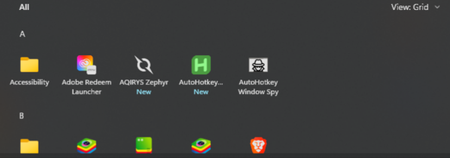
Windows 10 Remove "All" list from Start Menu
Does anyone know how to remove the "All" apps list from the Windows 10 Start Menu?

Amiasop
Apr 20, 2026Brass Contributor
That's it. Now when you open the Start Menu, you'll only see your pinned tiles. To see your full list of apps, you can simply click the "All apps" button that appears in the top-right corner.