Forum Discussion

Xaviery
Jul 23, 2024Brass Contributor
Why this Warning triangle on my C drive icon?
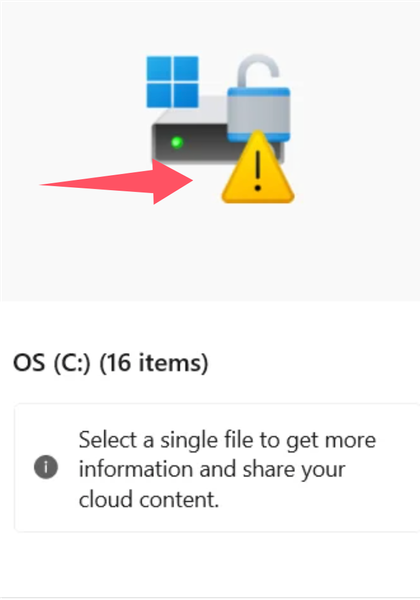
 DeletedAug 13, 2024ow Disk Space: The most common reason for a warning triangle is that your C drive is running low on disk space. Check your available storage and consider deleting unnecessary files or running a disk cleanup.
File System Errors: There may be issues with the file system on the drive. You can run the built-in Windows utility called Check Disk (chkdsk) to scan and repair file system errors:
Open Command Prompt as an administrator.
Type chkdsk C: /f and press Enter. This will schedule a disk check the next time the system restarts.

Frederickk
Aug 27, 2024Bronze Contributor
If BitLocker is enabled and there is an issue with the encryption status (such as encryption not being completed or being paused), a warning triangle might appear.