Forum Discussion

Why does my laptop lose performance after changing the power adapter?
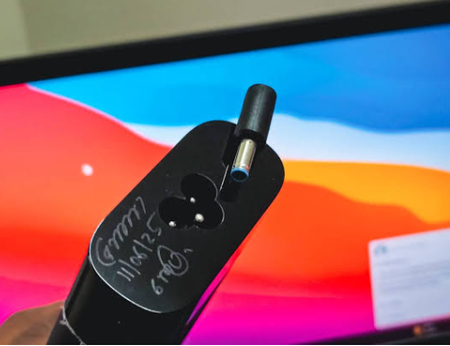

A replacement adapter can be responsible if it cannot supply the required power or the laptop does not recognize it. Under heavy load, slow charging or battery discharge confirms that the adapter path is not meeting demand. Compare the replacement’s output voltage, current, and wattage with the laptop manufacturer’s specified adapter; for USB-C, the charger, cable, and port must all support the required Power Delivery level. While plugged in, select the battery icon and check for a “slow charger” warning. Test the approved adapter if available, use the designated charging port, and set Settings > System > Power & battery > Power mode to Best performance for comparison. Watch whether battery percentage falls during the same workload. Firmware may enforce performance limits; Windows cannot certify an adapter’s wattage. If performance and charging normalize with the correct-rated adapter, replace the substitute; otherwise obtain BIOS and hardware diagnostics from the laptop manufacturer.