Forum Discussion

iannoronha
Nov 03, 2021Copper Contributor
How do I backup my bitlocker recovery key
Hi, I am using Microsoft windows 10 pro and I just noticed that my computer has bitlocker enabled by default, but I don't have the recovery key. I am afraid of losing my important data and I don't ha...
- Nov 03, 2021
Hi iannoronha
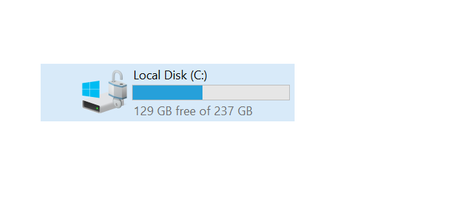
- To backup Bitlocker recovery files, please go to Control Panel and open BitLocker Drive Encryption, or right-click on encrypted drive and select Manage Bitlocker.
- Find your encrypted drive, and click on Backup your recovery key.
- You will have the various options, but I will prefer to save it on your Azure AD account.
I hope these steps could helpful for you. Please share your feedback, do not hesitate to contact me for further assistance, I will welcome all the questions you may have.
- To backup Bitlocker recovery files, please go to Control Panel and open BitLocker Drive Encryption, or right-click on encrypted drive and select Manage Bitlocker.

SalmanAhmed
Nov 04, 2021Steel Contributor
Hi iannoronha,
As I can see from the screenshot, I would suggest you to save to a USB drive, and then you should save it online on secure cloud such as OneDrive, iCloud, or GDrive. It is not recommended to save recovery file locally.

iannoronha
Nov 04, 2021Copper Contributor
SalmanAhmed I have a text file as recovery, is it safe to store in the email?