Forum Discussion

Komondor2240
Apr 28, 2026Iron Contributor
How to revert Windows 10 search bar font to old style?
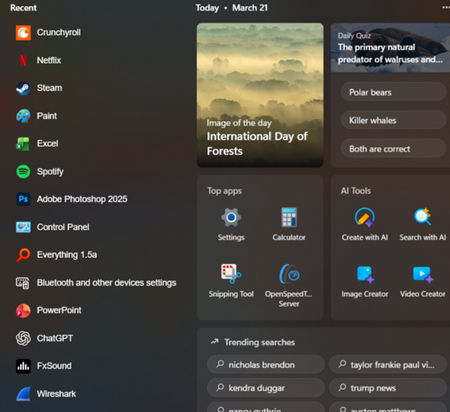
Microsoft updated the search bar font in Windows 10, and I dislike the new one. How can I change it back to the old font?

Joshuaue
Apr 29, 2026Copper Contributor
Open the Control Panel, go to Appearance and Personalization, click Fonts, and then click Restore default font settings on the left sidebar. The search bar is a specific UI element, and this global reset may simply not apply to it if the problem is caused by a deeper bug or a conflicting program.