Forum Discussion

Boboin
Jan 29, 2026Iron Contributor
How to Hide the Date in the Windows 10 Taskbar?
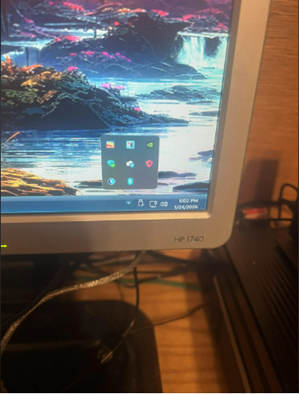
How can I configure the Windows 10 taskbar to display only the time without the date? Is there a system setting or tool that can achieve this effect?

BennettFrost
Feb 03, 2026Iron Contributor
- Right-click on the Start button and click on the Settings option
- When the Settings app is opened, select the Time & language category from the left section
- Access the Date & time page from the right-section
- Press the button available for Hide time and date in the System tray option (above the Additional settings option) to turn the option off/on.