Forum Discussion

Boboin
Jan 29, 2026Iron Contributor
How to Hide the Date in the Windows 10 Taskbar?
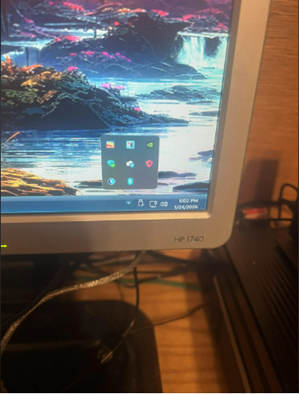
How can I configure the Windows 10 taskbar to display only the time without the date? Is there a system setting or tool that can achieve this effect?

KapilArya
Jan 29, 2026MVP
You can hide the the clock completely, that means time and date both will be hidden. Configure this at right click on clock, select taskbar settings > turn system icons on or off > turn off the clock option.
AFAIK, There's no setting to individually hide date and show time, at a time.
Hope this helps!