Forum Discussion

Castiellm
Jan 26, 2026Iron Contributor
How to Fix Missing Network Icons in Windows 10 (Active Connection)
Hello everyone, I'm encountering a strange issue with my Windows system: the icons and options representing the network status (Wi‑Fi/Ethernet) have completely disappeared from both the system tray a...

Archerer
Feb 02, 2026Copper Contributor
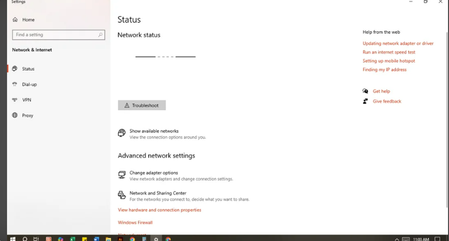
Go to Settings > Update & Security > Troubleshoot > Additional troubleshooters.
Select Network Adapter and run the troubleshooter.
Follow the prompts; Windows will attempt to detect and fix issues.