Forum Discussion

How do I backup my bitlocker recovery key
- Nov 03, 2021
Hi iannoronha
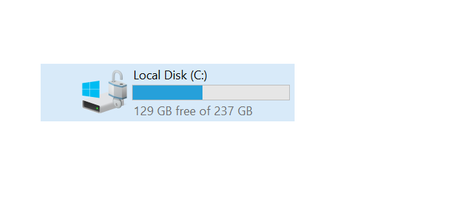
- To backup Bitlocker recovery files, please go to Control Panel and open BitLocker Drive Encryption, or right-click on encrypted drive and select Manage Bitlocker.
- Find your encrypted drive, and click on Backup your recovery key.
- You will have the various options, but I will prefer to save it on your Azure AD account.
I hope these steps could helpful for you. Please share your feedback, do not hesitate to contact me for further assistance, I will welcome all the questions you may have.
- To backup Bitlocker recovery files, please go to Control Panel and open BitLocker Drive Encryption, or right-click on encrypted drive and select Manage Bitlocker.

Hi iannoronha
- To backup Bitlocker recovery files, please go to Control Panel and open BitLocker Drive Encryption, or right-click on encrypted drive and select Manage Bitlocker.
- Find your encrypted drive, and click on Backup your recovery key.
- You will have the various options, but I will prefer to save it on your Azure AD account.
I hope these steps could helpful for you. Please share your feedback, do not hesitate to contact me for further assistance, I will welcome all the questions you may have.

SalmanAhmed Unfortunately this didn't work, I can't see the Azure AD account option but there are other option I shared screen shot.
- SalmanAhmedNov 04, 2021Steel Contributor
Hi iannoronha,
As I can see from the screenshot, I would suggest you to save to a USB drive, and then you should save it online on secure cloud such as OneDrive, iCloud, or GDrive. It is not recommended to save recovery file locally.
- iannoronhaNov 04, 2021Tin Contributor
SalmanAhmed I have a text file as recovery, is it safe to store in the email?
- SalmanAhmedNov 04, 2021Steel Contributor
Hi iannoronha,
It is fine to store Bitlocker recovery key in your email, however, I would suggest you to register your computer with Microsoft Account (If computer is not a domain joined) and backup your recovery key on that account. If your computer is a domain joined, you need to contact your system administrator to enforce a policy for the backup on AD (Active Directory).