Forum Discussion

ThomasWhite
Jan 03, 2026Iron Contributor
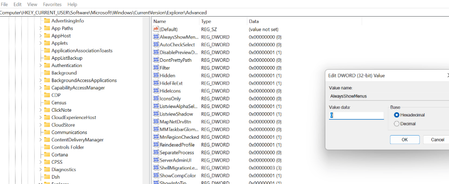
Getting "alwaysshowmenus" in control panel file explorer options
Cannot get "alwaysshowmenus" in control panel file explorer options. How to solve this problem?

Everettiin
Jan 08, 2026Iron Contributor
- Press Win + R, type gpedit.msc, and press Enter.
- Navigate to User Configuration > Administrative Templates > Windows Components > File Explorer.
- Look for "Turn off the display of the menu bar" or similar policies that might hide menus.
- Ensure these are set to Not Configured or Disabled.