Forum Discussion

Desktop icons randomly rearrange after booting up
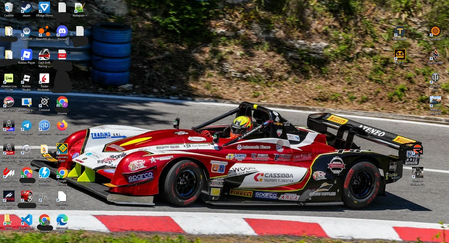

Desktop icon movement after boot is usually tied to display detection, resolution changes, scaling, or the desktop’s automatic arrangement settings. Right-click an empty area of the desktop, open View, and verify that Auto arrange icons is off if you want to keep a custom layout. Also confirm that your monitor is starting at its intended native resolution and scaling value after every restart. If you use a dock, TV, remote-display software, or more than one monitor, test one direct display connection first; Windows can rearrange icons when it believes the desktop dimensions changed. Install current graphics-driver and Windows updates, then test several restarts. If the layout changes only with a secondary display attached, record the monitor order, resolution, and connection type. Do not download layout-restoration utilities until the display issue is ruled out, because they can hide rather than fix the triggering change.