Forum Discussion

Cannot switch out of S Mode
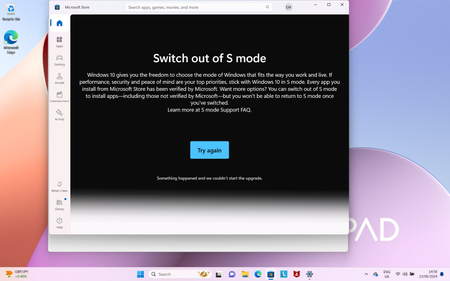

This worked for me:
This is Jatin from Microsoft Global Support. Your case number is xxxxxxxxxxxx.
Below are the steps to switch out of the S mode from the windows recovery environment: -
Note: - before following the below steps make sure the device encryption is off.
- Go to the setting>System> Recovery.
- Select the Advance startup.
- Select the Restart Now.
- Choose an option>Select troubleshoot>Advance option>Start up settings>Click on restart.
- Select 7 option Disable driver signature enforcement.
- restart
- System is out of s-mode
 Wxlf_012Apr 27, 2026Copper Contributor
You are a life saver! Thank you so much, it worked!
 DreamerApr 27, 2026Copper Contributor
This worked. Thank you! Just a pre-step before you try this is to note down your recovery key by logging into aka.ms.recoverykey using your microsoft id
 EisenwolfeFeb 01, 2026Copper Contributor
Thank you so much for this it helped me out immensely!!