Forum Discussion

Blank screen issue, page is not getting options to go forward
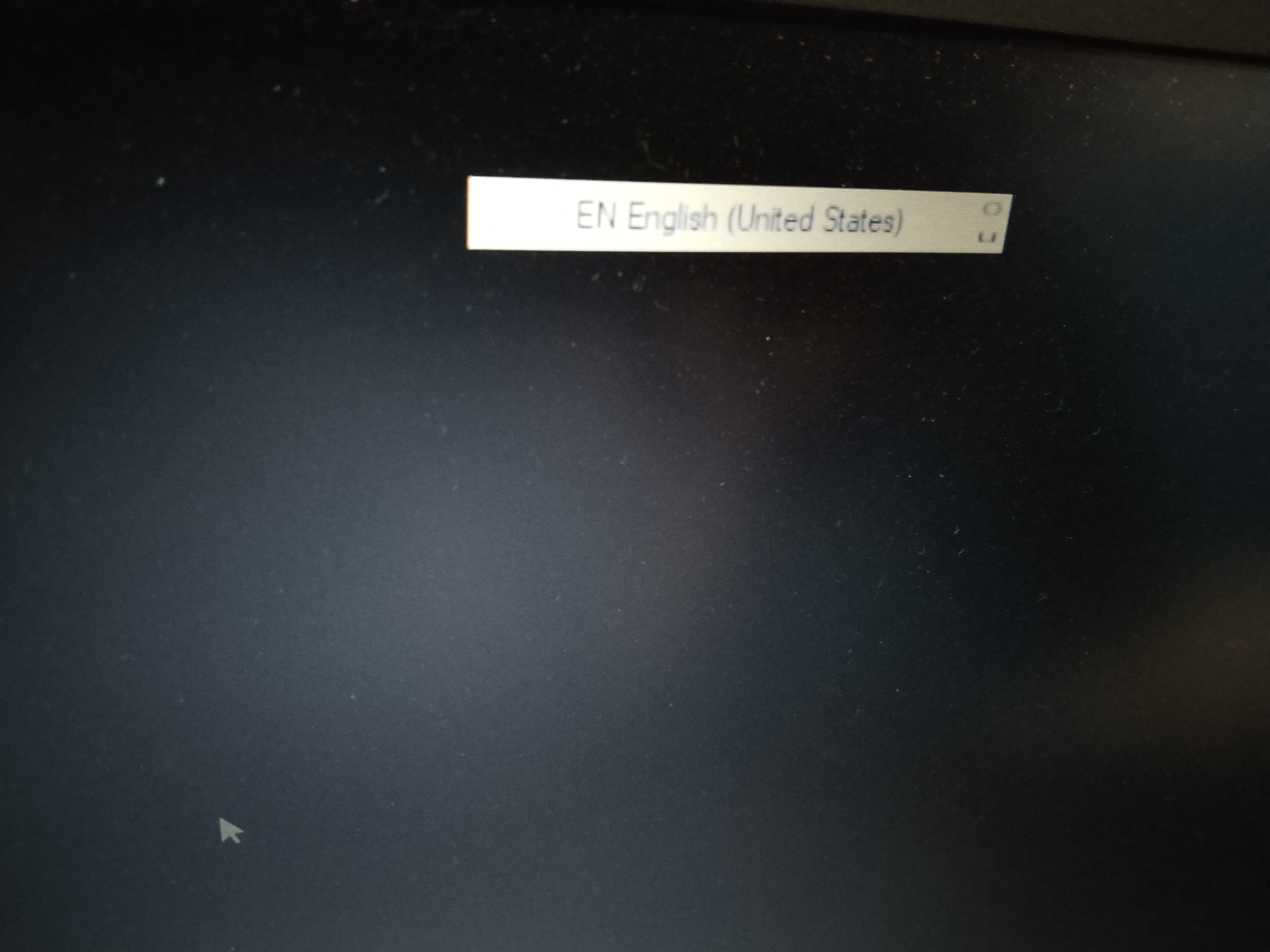

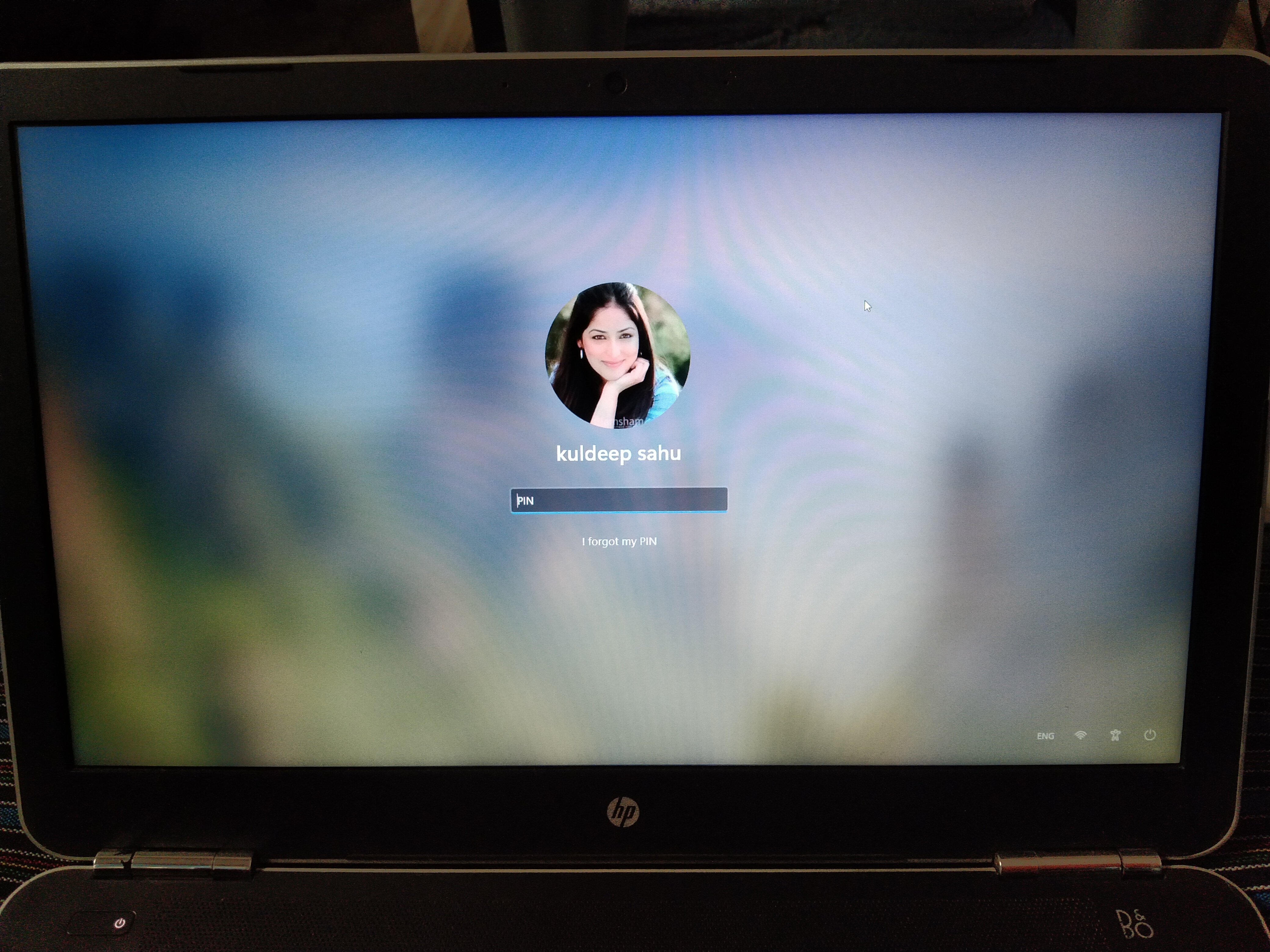

- Aug 04, 2021
Hi Kuldeep_1749
Let's see if you can access in safe mode:
https://support.microsoft.com/en-us/windows/find-safe-mode-and-other-startup-settings-in-windows-10-7551aac3-21b5-c646-06ee-31e0e6a5e4dcPlease provide the model of your notebook.

Hi Kuldeep_1749
Let's see if you can access in safe mode:
https://support.microsoft.com/en-us/windows/find-safe-mode-and-other-startup-settings-in-windows-10-7551aac3-21b5-c646-06ee-31e0e6a5e4dc
Please provide the model of your notebook.

Above is the model number of the laptop.
I am still struggling with the issue and it is not resolved yet
Please help

- SpigoloAug 06, 2021Iron Contributor
Turn off your notebook by pressing several seconds the on/off button for two times in a row, then turn on again.
When you'll turn on system next you'll end up in Advanced Startup
pick Troubleshoot
then Advanced Options
then Go back to the previous build (version)
Let's see if you can get control again this way.