Forum Discussion

error AADSTS50020

 Microsoft
john_wang - if you are logging in as Azure AD tenant admin (not MSA) and still facing issue, please reach out to Microsoft Support via Azure Support portal.

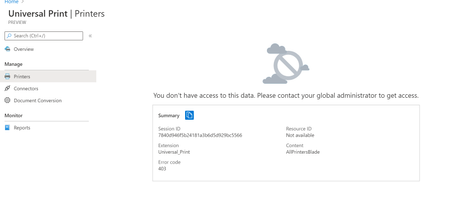
I am getting this same error. I selected the "+ Add a new printer or scanner" from the Printers and Scanners Settings page. It asks me to login using a now defunct business email address. I put my current email address which is a Microsoft Live ID, authenticate successfully and then get this error.
The email address is a personal Outlook 365 email address. I have no access to Azure. I do have an active personal subscription to Office 365. I don't understand why I need some sort of Azure authentication to install a new printer using the Universal Print Driver.
How to get this to work, or work around it?
Thanks,
Ted

- Saurabh_BansalApr 10, 2021Universal Print is a feature for schools and other organizations. In its current form it cannot be used for personal use. In other words you need to have organizational accounts with licenses for Microsoft 365 or Universal Print standalone.
Thanks
Saurabh