Forum Discussion

Wrong registration URL. Contact the event organizer to get the correct URL

 Microsoft
Hi MattShannahan ,
Interesting scenario, one that I have not experienced before. In your testing, are you sending this to a gmail address as well? (as the other discussion noted) From that discussion it seemed to be something GMail was inserting into the clicked URL (perhaps due to a length limit it seems).
 MattShannahanSep 10, 2021Copper Contributor
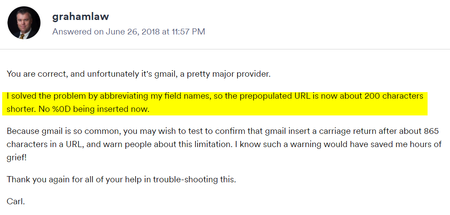
I've forwarded the email to my personal Gmail and Proton mail accounts, both open fine on PC in Chrome. I registered as an attendee fine. My coworker opened the link in Gmail (in Chrome) on her PC fine but on her Android it got the Registration error code. This time in Chrome Android, there was more added at the end of the link in her browser bar: %0d&skipauthstrap=1
Deleting these characters and reloading the page works fine, the registration page loads. Our small biz does have an MSP (I'm just the in-house IT grunt) so as soon as I have a solution I will post an update.
Taking a Word doc that has the link to the webinar does not have the %0d but if that Word doc is Printed to PDF via Kofax PDF or MS Print to PDF, the finished PDF link does have %0d. We are trying to post a PDF newsletter to our website and can't get the printed PDF to exclude these characters in the link.