Forum Discussion

Unable to submit Teams app update
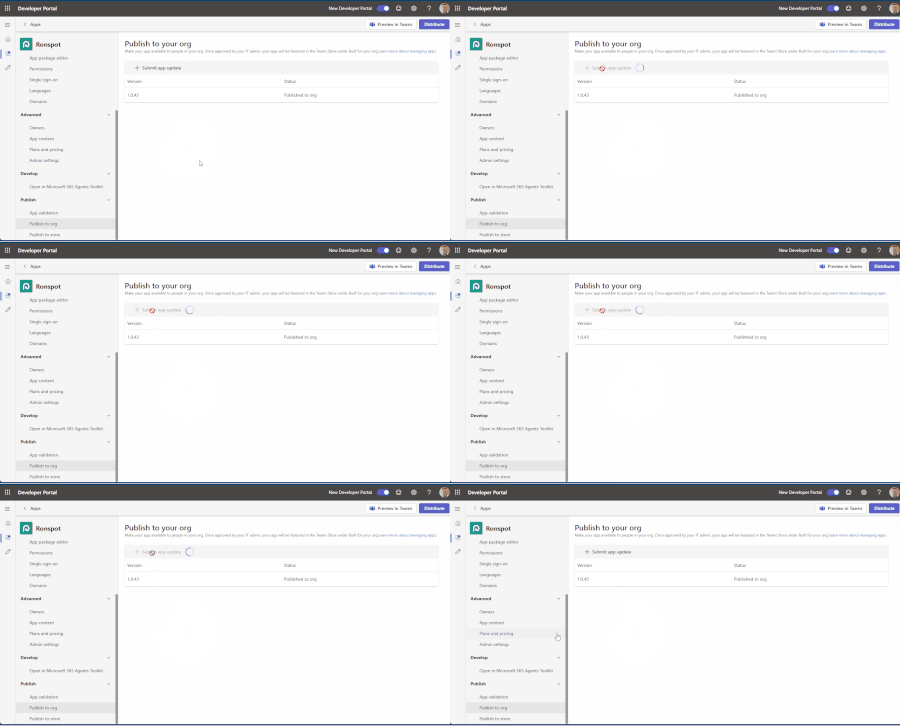

The spinner indicates that Developer Portal did not create an organizational submission. Open the package and increase the manifest version above the published 1.0.43; Teams will not treat an equal or lower version as an update. Rebuild the ZIP with manifest.json and both icons at its root, then run App validation and correct every error. Check Teams admin center under Teams apps, Manage apps, and open the app to ensure an update is not already pending. If none exists, try the supported Teams client path: Apps, Manage your apps, Upload an app, then Submit an app to your org. Ask an administrator to confirm the submission appears and approve it. If both interfaces fail, collect the tenant ID, app ID, UTC timestamp, browser network error, and validation result, then open a Microsoft 365 support case. Avoid repeatedly clicking Submit because retries can create confusing duplicate attempts once the service recovers.