Forum Discussion

Not able to interact with calling meeting bot and receive "502 Bad Gateway" error

Hi Sayali-MSFT , thanks for your reply!
you mentioned "Check if you had created policy for that tenant user"--Could I know what kind of policy, actually I have no extra policy set for the tenant user during configure the bot except the online meeting policy mentioned in https://docs.microsoft.com/en-us/microsoftteams/platform/sbs-calling-and-meeting?tutorial-step=2
I have configured webhook for calling as below picture:

 Microsoft
JessicaLu85 -Could you please try in webhook url instead of /api/callback use /callback as mention in my screenshots.
- JessicaLu85Apr 07, 2022Copper ContributorStill no good luck 😞
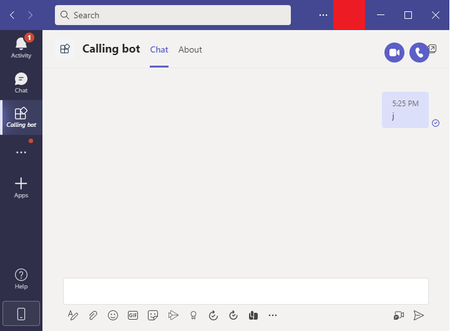
no welcomeText with Adaptive Card after adding the app, this time no video/audio call button either
I can see
POST /api/messages 502 Bad Gateway OPTIONS /api/messages 502 Bad Gateway- Sayali-MSFTApr 13, 2022JessicaLu85-Could you please confirm if your issue has resolved with above suggestion or still looking for any help?
- JessicaLu85Jun 28, 2022Copper ContributorSorry for late reply as not able to use internet for a long time. I'm not able to resolve this problem using https://<your_ngrok_url>/api/messages as the messaging endpoint : (
- Sayali-MSFTApr 11, 2022
JessicaLu85 -We are unable to repro the scenario. It's working fine from our end. Could you please Ensure that you've enabled the Teams Channel.
and also check the While registering the bot, use
https://<your_ngrok_url>/api/messagesas the messaging endpoint and port.