Forum Discussion

Not able to create a bot in developer portal
 Nov 12, 2021
I figured out what page it should be opening. Instead of clicking on "Create a new bot", if you go to Tools > Bot management, you should be able to continue with the steps in the tutorial.

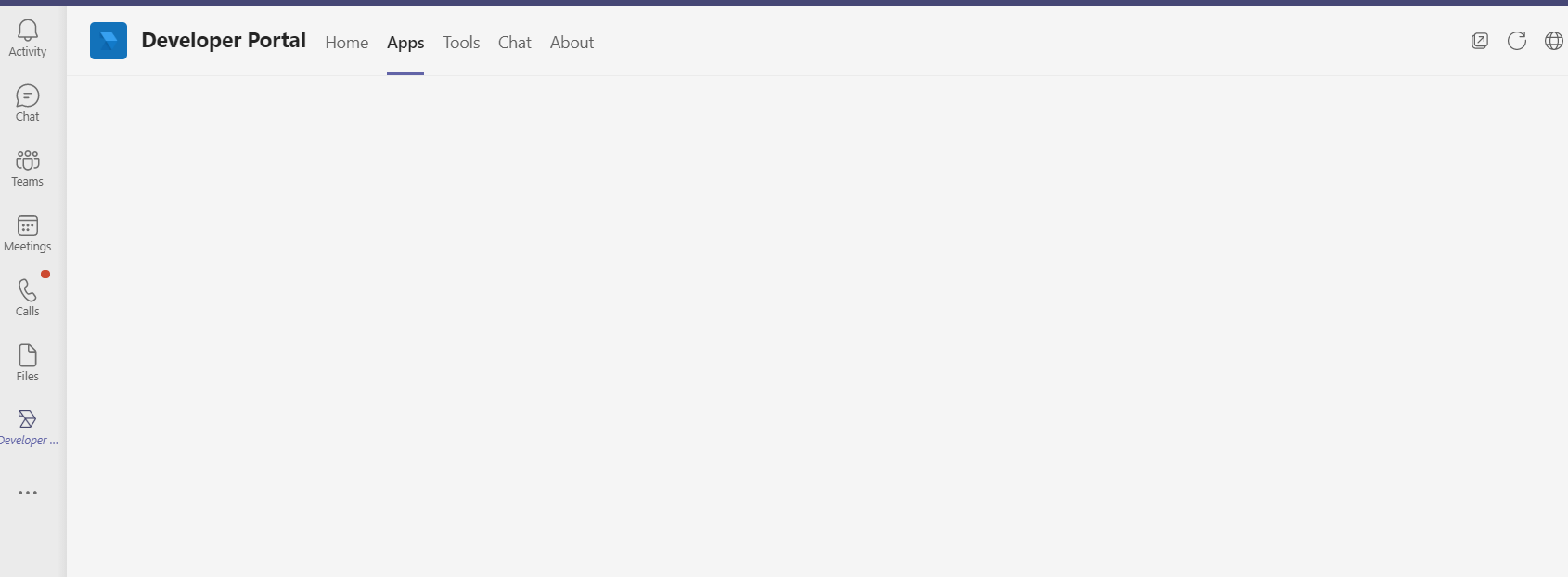
I have the same issue. Whenever I click on the "+ New Bot" or "Create your first bot" icon, nothing happens.
I tried opening the developer console (F12) and, unfortunately, this is what I see.
What exact permissions should I request in my company to be able to create a bot?
And how much will my company pay monthly for these additional permissions for me?
Thanks.
Artur
 Microsoft
artur_iwan - Could you please provide network trace, so that engineering team can investigate it?
- Prasad_Das-MSFTFeb 08, 2023
dernotte , artur_iwan - Most likely the reason could be that the user does not have enough permission to create an application in the tenant's Azure Active Directory.
Can you please check and confirm that the user can register a new app in the Azure portal?
https://portal.azure.com/#view/Microsoft_AAD_IAM/ActiveDirectoryMenuBlade/~/RegisteredApps - Prasad_Das-MSFTJan 20, 2023
dernotte - Okay. We are checking with engineering team what could be possible reasons for the failure.
and if there are any specific privileges. We will inform you once there is any update. Thanks!  dernotteJan 18, 2023Copper Contributor
I have the same behavior. I did not try to create the bot of the Teams client in a browser. So I just try, and got the same error.
The POST on https://dev.teams.microsoft.com/api/aadapp
with the JSON body "displayName: mybot" return a 403 (forbidden), and the body of the response contains:
errorMessage "Insufficient privileges to complete the operation." So there MUST be some privileges somewhere to create a BOT.
