Forum Discussion

Sho_Sugimoto_kt123
Sep 04, 2023Copper Contributor
WebGL Error
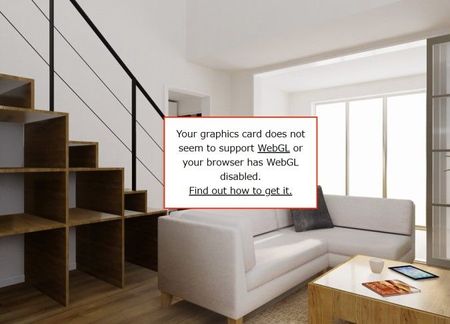
I have this issue saying graphics card does not support WebGL when I browse virtual 3D tour with either Edge or Chrome. It happens randomly and seems browser setting is okay (hardware acceralation i...

Deleted
Sep 15, 2023Not applicable
Thanks for sharing the issue!
May I ask for the following:
1. What is the model of Surface Device?
2. Specs
3. Windows Version
May I ask for the following:
1. What is the model of Surface Device?
2. Specs
3. Windows Version

Sho_Sugimoto_kt123
Sep 15, 2023Copper Contributor
Deleted
Here is my device spec.

Surface pro 9
RAM:8GB
SSD:256GB
Intel® Iris® Xe
Windows version: Windows11 Home build 22621.2283
Chrome version: 117.0.5938.63
Edge version: 116.0.1938.81

I also have surface pro7+ that shows same error.
I will inform you the spec of 7+ later.
Thanks,
- DeletedSep 15, 2023Not applicableTry this flag:
edge://flags/#use-angle
http://html5test.com/- Sho_Sugimoto_kt123Sep 15, 2023Copper ContributorThanks, but what should I do with this?
Which item should I check?- DeletedSep 15, 2023Not applicableIf none of those work, contact Surface Support here:
https://support.microsoft.com/en-us/home/contact?SourceApp=surfaceweb1&ContactUsExperienceEntryPointAssetId=S.HP.SmcContactUsLanding
- DeletedSep 15, 2023Not applicableThanks for sharing and I forgot to ask, is there anyway thou mayest able to share the place where I can test this on my surface?
- Sho_Sugimoto_kt123Sep 15, 2023Copper ContributorHere is URLs that have errors
https://3d-cg.jp/arnest1/sample/hachiouji/naikan/
https://3d-cg.jp/arnest1/sample/atsugi/naikan/- DeletedSep 15, 2023Not applicableThanks, also there is a new update for Edge to upgrade from 116 to 117!