Forum Discussion

Calendar sync issue with new 2020 Update
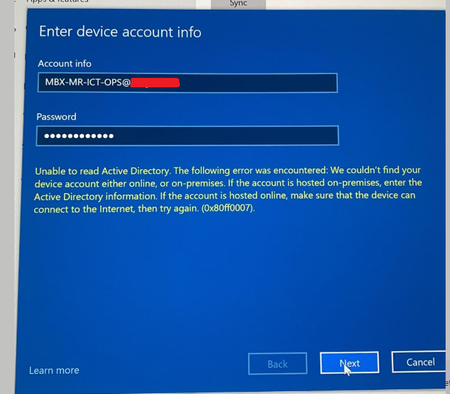

Cyrille_D We are having the same issue with our Surface Hub 2S devices and on-prem Exchange 2013. They were working fine up until this update, then the calendars stopped syncing. I have a case open with Microsoft, but it's a slow process at this time.
It's looking more and more like Win 10 Team Edition 2020 does not work with basic authentication used by on-prem Exchange--and even worse--won't work with basic authentication managed through intune.
We're in a hybrid Exchange mode right now, as we are preparing to migrate to Exchange Online. One of our test Surface Hub 2S units with Win10 Team 2020 works great with Exchange Online--after we re-provisioned as a 100% cloud device. This was a "scorched earth" approach....and not our top choice for migration.....

https://docs.microsoft.com/en-us/surface-hub/surface-hub-2020-team-update-known-issues
Calendar sync of hybrid device accounts with on-premises mailboxes fails. Surface Hub devices default to using Modern Authentication for accounts that exist in Azure AD, even if they have on-premises mailboxes that do not work with this feature. In this scenario, Exchange stops syncing meetings to the device. As a result, the device does not receive or display new meetings. After KB4598291 (or a subsequent Windows CU) is installed, the SurfaceHub CSP has a new ExchangeModernAuthEnabled parameter available to toggle the use of Modern Authentication. This can be set to false via MDM policy or provisioning package to prevent the Hub from using Modern Authentication.