Forum Discussion

Rolling out: Guest access support for tasks in Planner
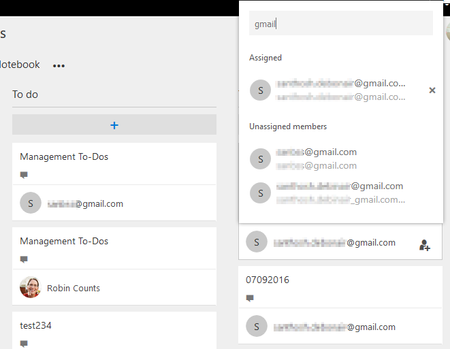


Guest Invitation is working, but there are some limitations to check.
First the guest user has to have a active office365 Account with Azure AD.
Second, the assigned Licence has to be configured for "Teams" and "Planned" and the function Switches has to be activated.
If you want to include external persons where no own AzureAD has, you can invite the users as a azure AD guest in your Azure to give them a temporary licence.
 Salomé PintoFeb 05, 2018
Microsoft
Patrick Fontana wrote:
Guest Invitation is working, but there are some limitations to check.
First the guest user has to have a active office365 Account with Azure AD.
Second, the assigned Licence has to be configured for "Teams" and "Planned" and the function Switches has to be activated.
If you want to include external persons where no own AzureAD has, you can invite the users as a azure AD guest in your Azure to give them a temporary licence.
Hello! What do you mean by Second, the assigned Licence has to be configured for "Teams" and "Planned" and the function Switches has to be activated? What is the function Switches?- Salomé PintoFeb 05, 2018
Hello! What do you mean by Second, the assigned Licence has to be configured for "Teams" and "Planned" and the function Switches has to be activated? What is the function Switches?