Forum Discussion

Anil_kumar_Anakala
Jul 13, 2021Copper Contributor
How to apply filter to a column in microsoft project in connected mode?
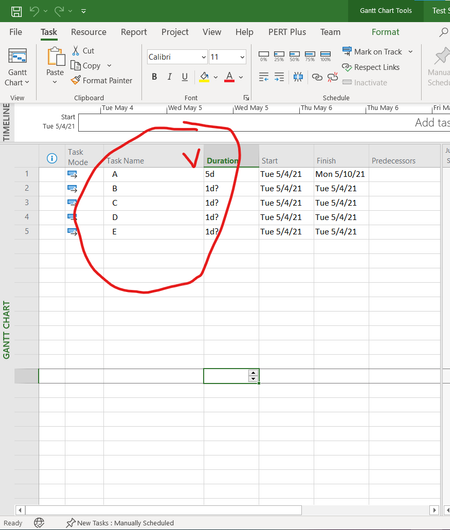
I opened a project in connected mode . In the task name column i am not able to find filter option(like drop down). when i connect to another tenant it is working.
 Jul 14, 2021
wah
Jul 14, 2021Copper Contributor
- Anil_kumar_AnakalaJul 14, 2021Copper Contributor
Thank you for the response esmerlda, Got the solution