Forum Discussion

Manual Trigger File Input Attach to an Email - I have tried everything!

Thank you michalkornet
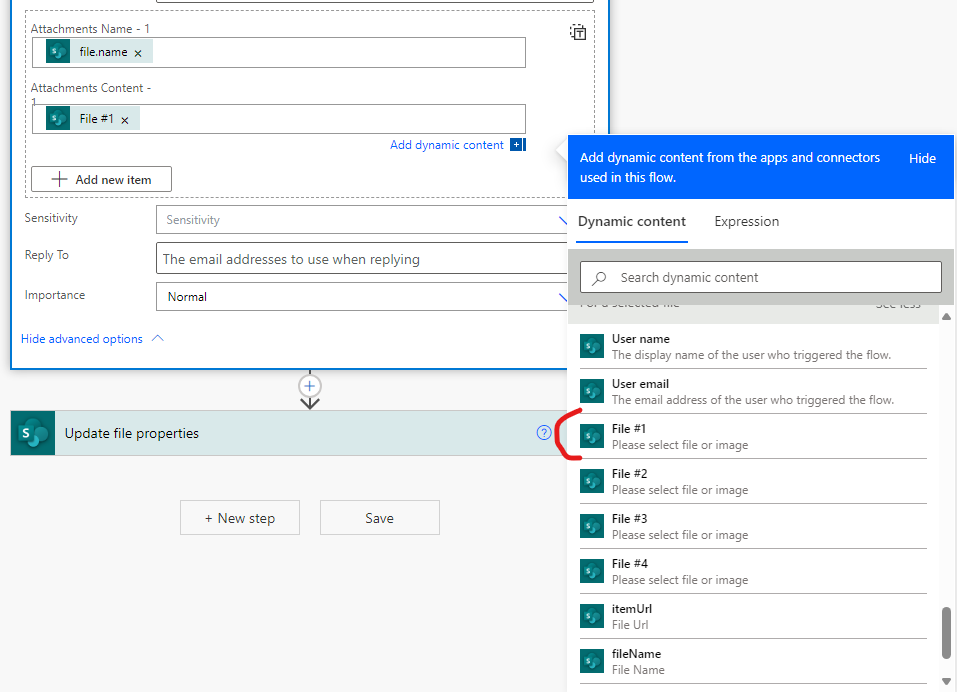
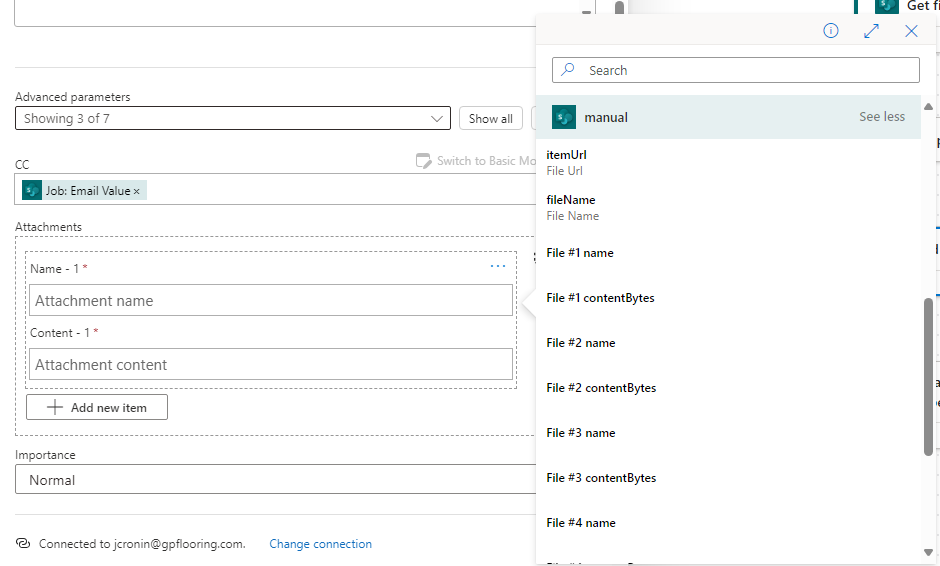
Before getting your response I was able to make it work by using the New Editor dynamic content "File #1 contentBytes", etc. (which FYI for others - is only offered in "Switch to detail inputs for array items" and is not offered if in "Switch to input entire array" mode). I also tried what you suggested and it also worked - it did not seem to make a difference either way.
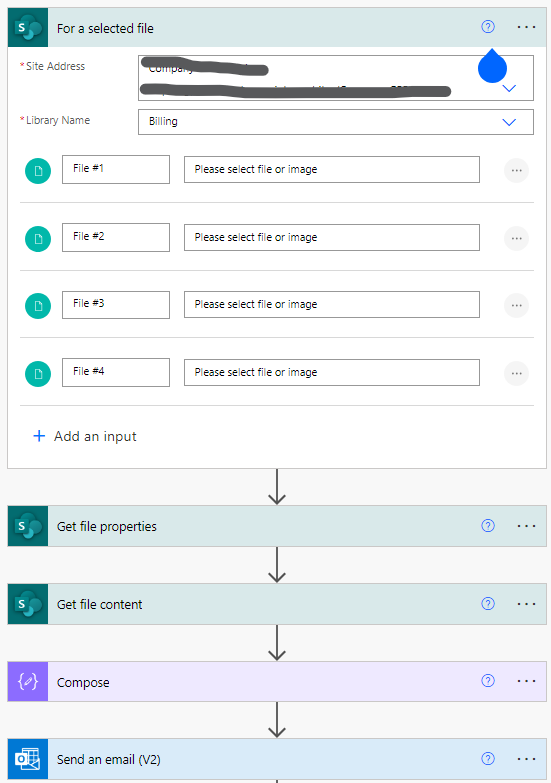
But I am still having an issue. I need to attach up to 4 files. Often the user will only have 1 or 2 additional files to attach. So now the flow fails if all 4 file inputs are not used. Please note - it does not fail at the trigger, it will allow you to only upload 2. The flow fails at the Send an Email (vs) action because the attachment is blank.
Is there anyway to push the flow through if only 2 of the 4 inputs are used?
Unable to process template language expressions in action 'Send_an_email_(V2)' inputs at line '0' and column '0': 'The template language expression 'base64ToBinary(triggerBody()?['file_2']['contentBytes'])' cannot be evaluated because property 'contentBytes' cannot be selected. Please see https://aka.ms/logicexpressions for usage details.'.
- michalkornetSep 18, 2024Steel Contributor
Hi Jennife_r, apologies for using the old Designer. To make it cleaner, you can edit your flow to have something like this (with multiple conditions one after another).
1. Add an array variable.
2. Add a condition to check if the attachment is not empty (as you did, but avoid nesting them).
3. Inside each condition, add an "Append to array variable" action.
The structure should look like this:
{
"Name": @{triggerBody()['file']['name']},
"ContentBytes": @{base64ToBinary(triggerBody()['file']['contentBytes'])}
}Use this new variable in the attachments section of the Outlook action.
Please remember to enable the option that allows adding the entire array to the attachments.
The entire flow.
 Luca_14833Sep 30, 2024Copper Contributor
Hello, does anyone know, if its possible to do the same thing with the "mail" connector. Not Outlook. Because I dont find the symbol "Switch to input entire array".
- michalkornetOct 02, 2024Steel Contributor
Hi Luca_14833, It looks like in this action only a single attachment can be used.