Forum Discussion

Can't access portfolios solution
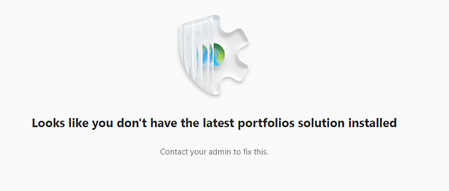

I worked with Microsoft Support and my Microsoft Admin and was able to get it resolved. Microsoft support sent a follow up email below explaining my problem and the solution.
"
I was able to work with Microsoft and my Microsoft Admin to get it resolved. Below was the follow up email he sent explaining the issue and the resolution."Since you mentioend on the call that your issue is resolved hence, I’ll be closing your case. I would like to mention that when your case is closed, we can reopen it within 7 days from admin portal and 40 days via email.
Below, you can see the summary of your case for your records.
Confirmed Issue: User getting error trying access Portfolios in Planner “You dont have Portfolios solution installed”
Outcome: Found that Roadmap roles were not assigned to the user. Assigned the roles and user was able to access Portfolios in MS Planner.
Go to make.powerapps.com >> click on the gear icon >> Advanced Settings >> Click on drop down next to “Settings” >> Security >> Users >> search for the affected user then click on the box next to the name and click on Manage Roles in the Top pane. A dialog box will open,
Make sure the following roles are assigned to the user:
Portfolio User
Project Common
Project System
Roadmap System
Roadmap user
Note: You need to be a Global Administrator or PowerPlatform Administrator to check and make the changes to a user roles in Project for Web
"
"
 Whitney_JosephMar 07, 2025Copper Contributor
Thank you so much! Great instructions. Unfortunately Portfolio User, and the two Roadmap Roles aren't listed, but the other one's are. Strange.