Forum Discussion

Can GUESTS access t Premium Plan in Teams?
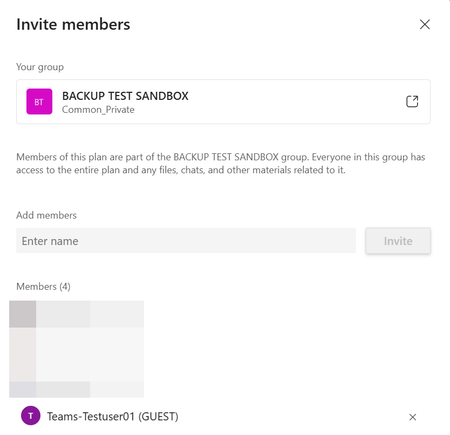

This worked for us, thanks to Claude for finding out. Now your guests need Planner Plan 1 license to access premium features.
Fix Dataverse guest access
Go to the Power Platform admin center → Security Hub → Identity and access → Guest access, locate the Default environment, and toggle the setting to Off (Allowed).
https://learn.microsoft.com/en-us/power-platform/admin/security/guest-access
Alternatively via PAC CLI:
pac env update-settings --environment "<your-default-env-url>" --name "restrictGuestUserAccess" --value false
Or check the current value first:
pac env list-settings --environment "<your-default-env-url>" --filter "guest"
explanation:
Planner Premium (Plan 1, formerly "Project for the web") stores all its project data in your Power Platform Default Dataverse environment, not in Exchange/SharePoint like basic Planner. By default, guest access to Dataverse is restricted for all new environments. When guest access is restricted, guest users cannot connect to Dataverse, query or modify data, or run any apps that rely on Dataverse. Microsoft Learn