Forum Discussion

Anna Procházková
Oct 15, 2019Brass Contributor
Opening Teams OneNote from OneNote 2016 desktop app
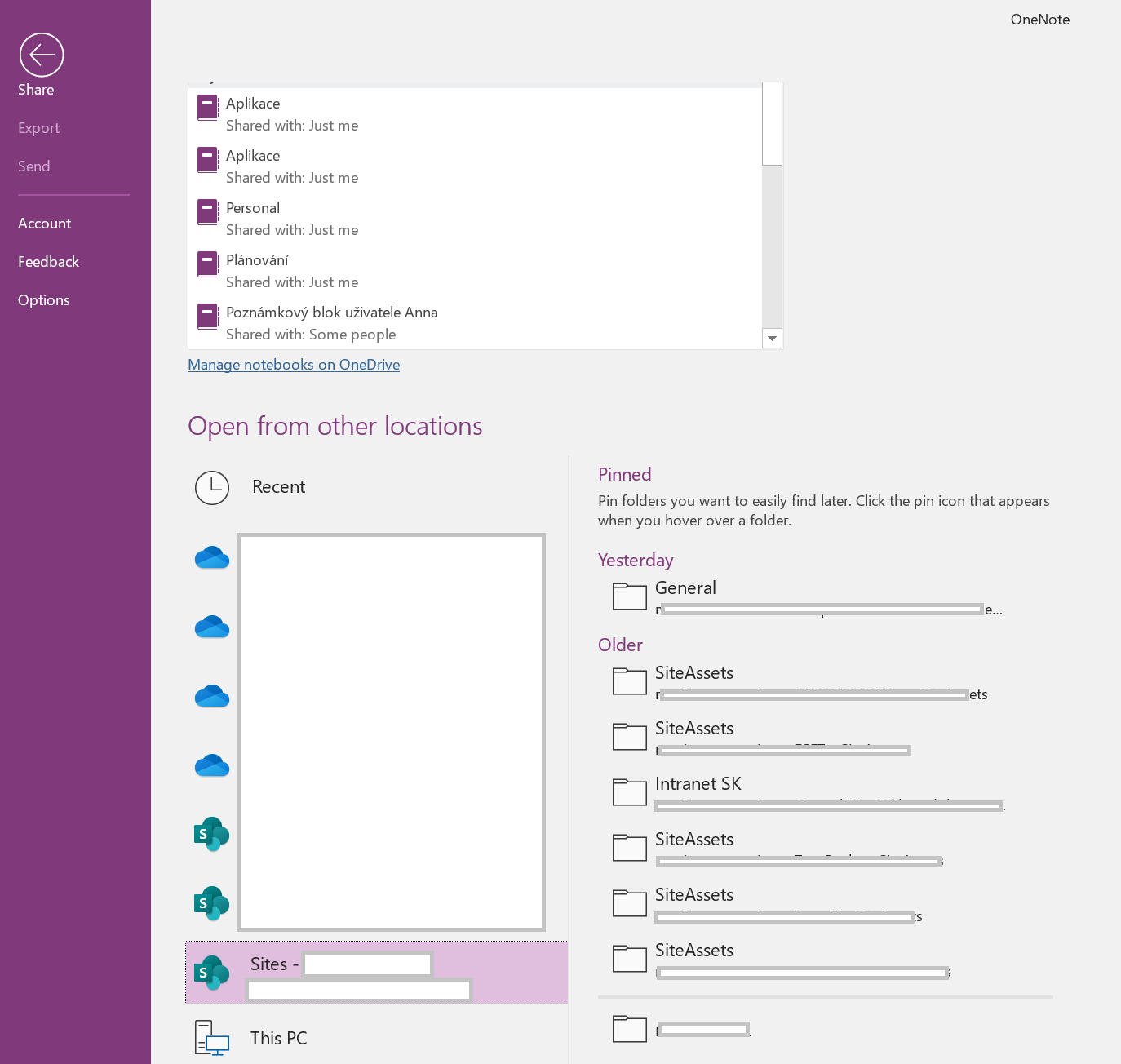
Hi everyone. we just came across the issue that users want to be able to open OneNote created in Teams directly from OneNote 2016 desktop app but when click on File -> Open and Company Sites, the...

Andrew Hodges
Oct 17, 2019Bronze Contributor
Hi Anna Procházková ,
I have tested this and here is what I found:-
I created a new Team and added a OneNote Tab to the Team point to the OneNote notebook in that Team. In OneNote 2016 the notebook appeared immediately in recent notebooks.
The users will not see the notebook unless they visit the tab. I have also found a good user journey for them to get the notebook into their desktop client.
1. Open the Team.
2. Visit the OneNote Tab.
3. Click "Open in Browser".
4. The drop down appears and select "Open in App".
5. The Notebook opens.
Hope that helps.
Andy

ACasemier
Aug 11, 2021Copper Contributor
Andrew Hodges - I am also experiencing a similar issue that I would love assistance with. We recently created 50+ OneNote notebooks by adding them to the Teams Channels. If opened first in the Teams Channel, they will show up under "Recents" in the OneNote app. However, if the user hasn't opened the notebook before, it is unsearchable even though they have access.
Is there not a faster solution than asking every user to go and open 50 notebooks to gain access?
Is there not a faster solution than asking every user to go and open 50 notebooks to gain access?