Forum Discussion

image not visible in chat
- Jul 16, 2020
Tarun1330 , just found a fix at
"Not sure if this answers the original issue but I had a broken image icon when looking back at old conversations. The following did the trick:
Exit out of Teams Desktop app. Clear this folder %AppData%\Microsoft\Teams\Cache. Relaunch Teams and the images now show."
This solved it for me but it will happen again,
Does anyone have a permanent way of addressing this issue? Will Microsoft handle this on the product side or is there any configuration we can make on Teams (client or admin center)?
Thanks
Miguel

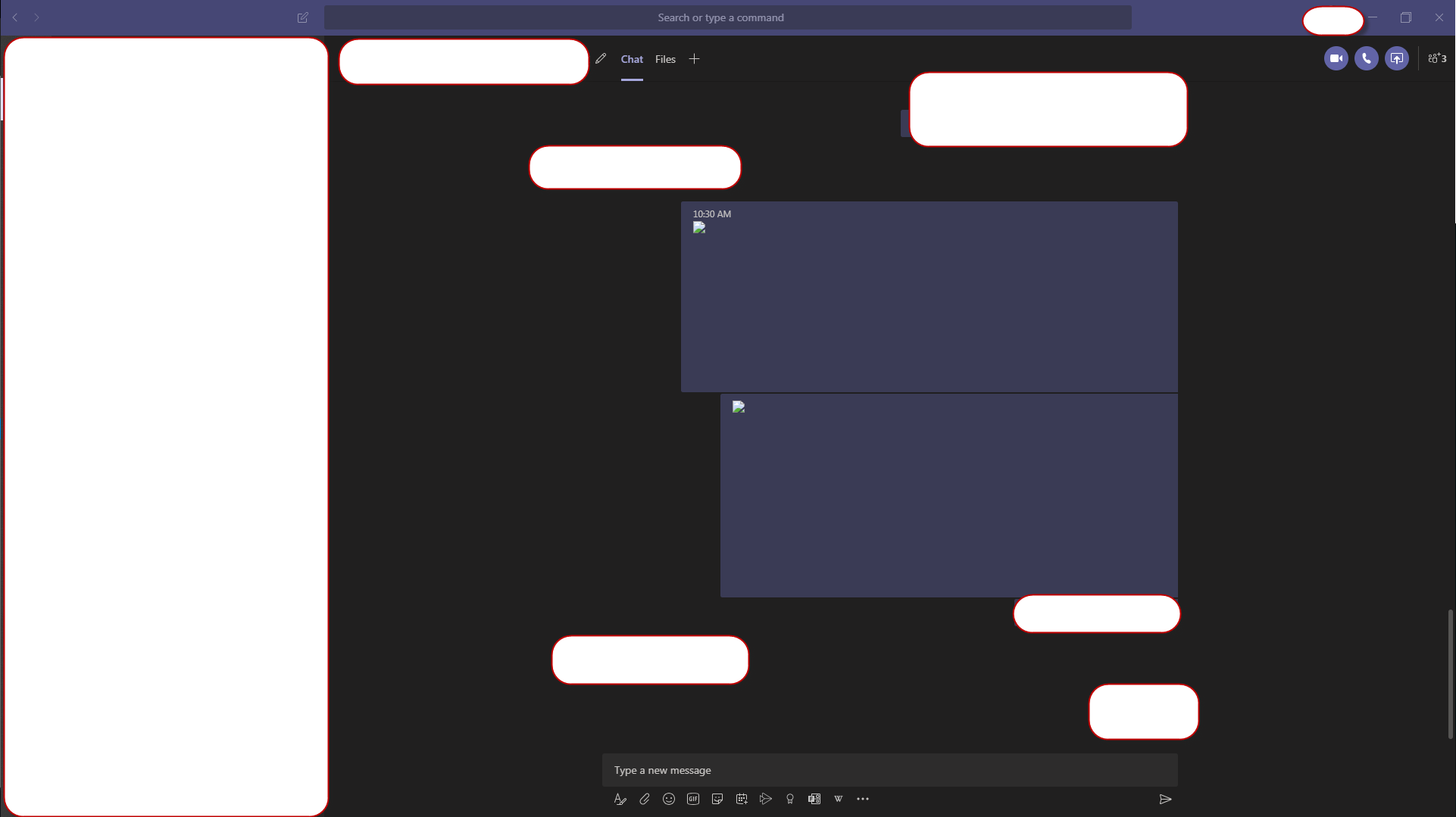

symptom: images were displayed in the chat, but if I clicked on them to enlarge them they would NOT display enlarged (in the desktop app, phone app worked fine), also if I used the "pop out chat" option to open the chat in a new window, then I could click on the image to enlarge it
caveat: the pop out chat option is NOT available for meeting chats...so this workaround is NOT available for meeting chat histories
failed fixes: cache folder clearing did NOT help, clearing a bunch of sibling folders did NOT help
selecting "Disable GPU hw acceleration" seemed to FIX IT, it seemed like I could reliably toggle this selection to make the symptom come and go** (requires Teams quit and restart with each toggle)...however, after a bit I discovered many images that still would not display...quitting and restarting seemed to allow them to display...sometimes...it seems very chaotic and random...i cannot for life of me find the pattern...feels like a race condition or cache or network problem...idk
very odd behavior, painful to track down, i can't make any strong claims here
i completely uninstalled Teams, deleted %appdata% folder tree for Teams, re-installed the app...and the same symptom still appears for some images, somewhat randomly!! this is a bad bug. it does not seem to have a local solution.
