Forum Discussion

image not visible in chat
- Jul 16, 2020
Tarun1330 , just found a fix at
"Not sure if this answers the original issue but I had a broken image icon when looking back at old conversations. The following did the trick:
Exit out of Teams Desktop app. Clear this folder %AppData%\Microsoft\Teams\Cache. Relaunch Teams and the images now show."
This solved it for me but it will happen again,
Does anyone have a permanent way of addressing this issue? Will Microsoft handle this on the product side or is there any configuration we can make on Teams (client or admin center)?
Thanks
Miguel

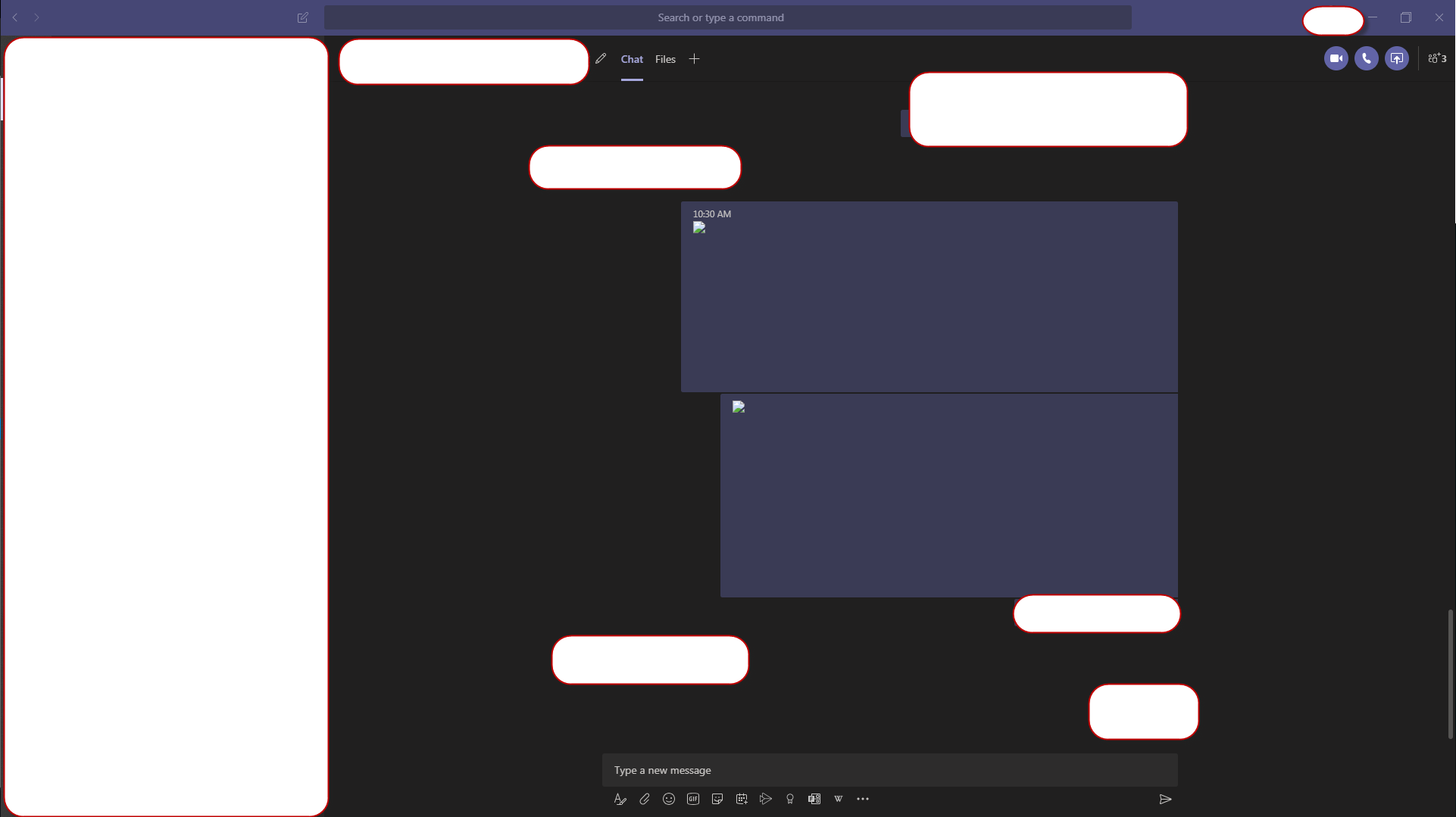

Hoping for a resolution soon, it's very annoying.
I have found that if I switch to a different chat and come back to the one with the image, it will work then. It seems that after viewing the image 2-3 times after that it won't show anymore (it just shows black).

But from time to time it stop working.